Where to go. How to get in. What to do. In their hand.

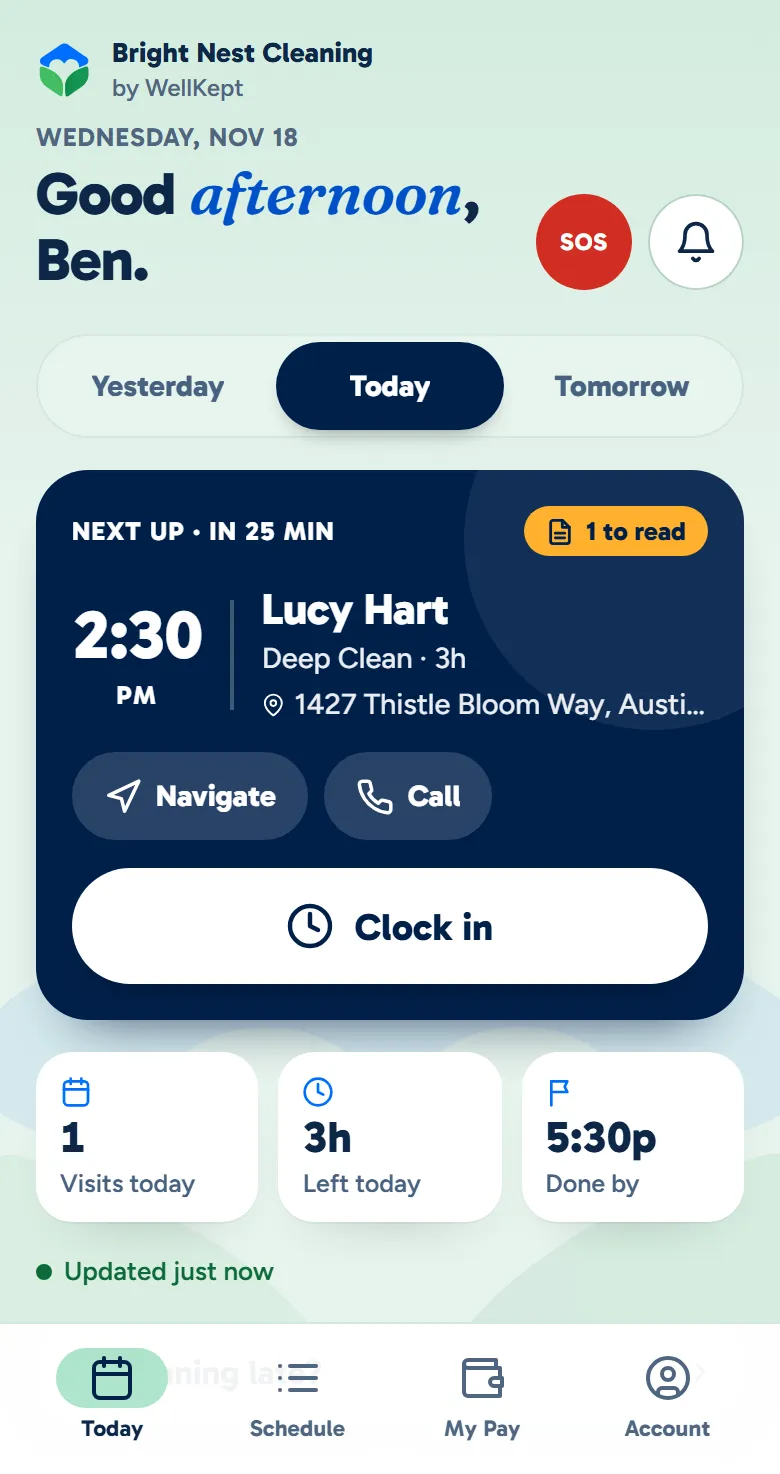
Each cleaner sees their own visits with the address, the codes and notes for each home, and your checklist. There's no password to forget, and they can use it in English or Spanish.

A walkthrough is a call with the people who build WellKept.

Two cleaners walking along a leafy street past a picket fence, one checking his phone and the other carrying a mop and a caddy of supplies
The crew app's Today screen: a cleaner's next visit with the time, the customer's name and address, Navigate, Call and a Clock in button
Example data

One cleaning, from their phone to yours.

Here is one visit to one home: what the cleaner's phone shows at the door and while they work, and what yours shows at the same time. Tap the dots to see what each part does. The screens are the real app with example data.

A cleaner at a customer's front door with her phone and her supplies while the cat watches from the window
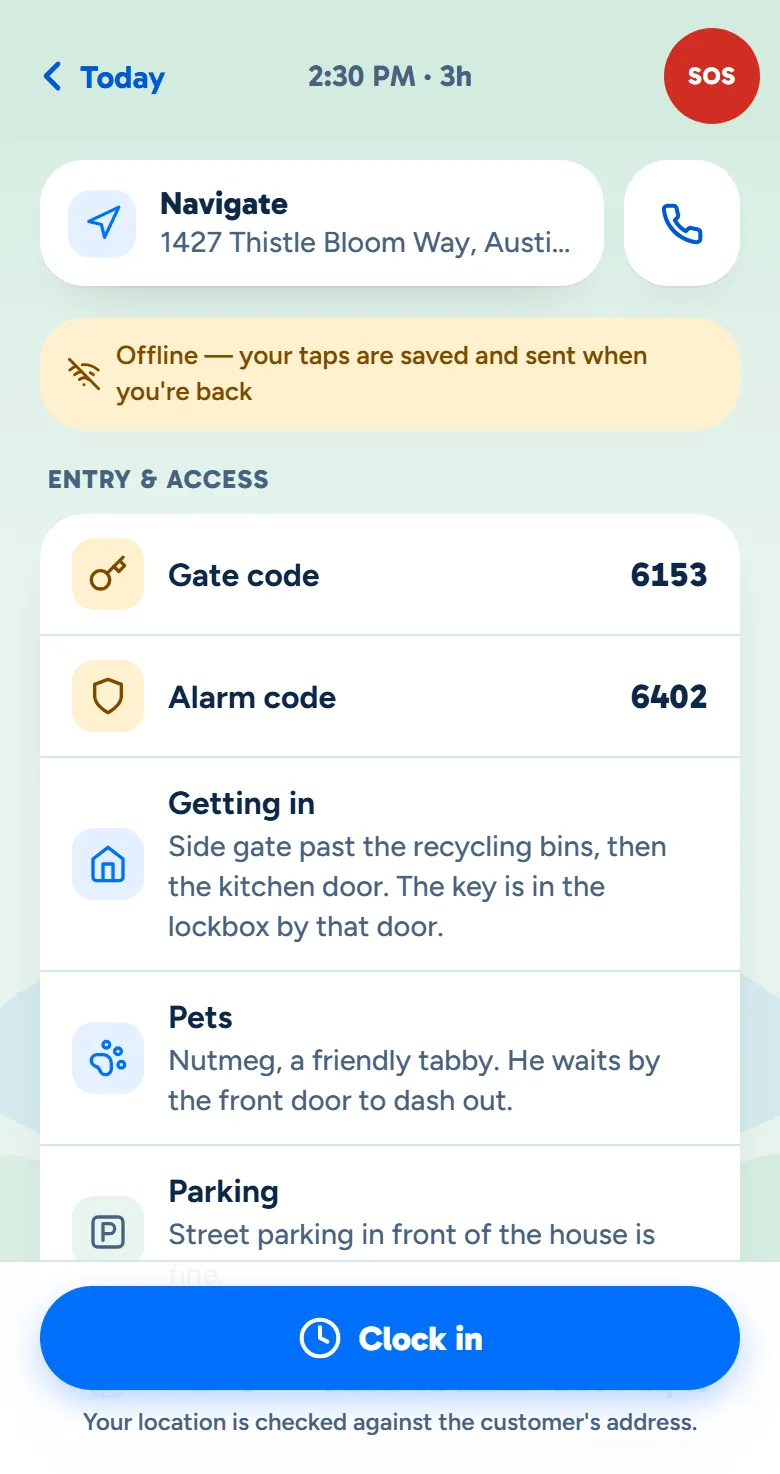
A visit in the crew app with no signal: the offline bar above the gate and alarm codes, the way in and the pets, with Clock in at the bottom
Example data

At the door

The way in, the codes, the pets and where to park are on the visit before they knock.

  • Codes for this home only. Gate and alarm codes show only on the visits they're on, and they're stored encrypted.
  • A note they can't miss. Mark a note must-read and it opens when they tap Clock in.
  • When the signal drops. A visit they've opened stays on the phone, and their taps are sent once it's back.
  • Clock in at the door. It checks the phone's location against the address, and by default a clock-in far away is flagged for you, not refused.
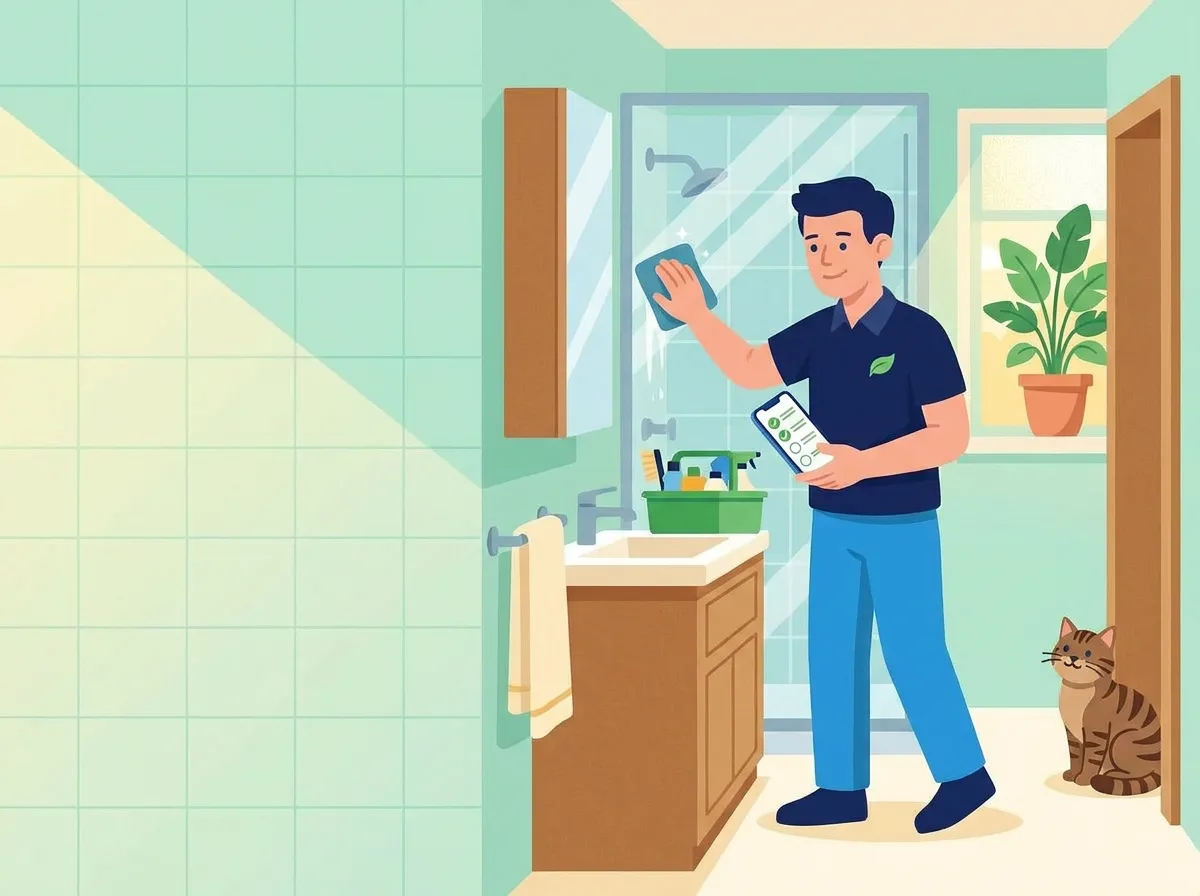
A cleaner wiping a glass shower door with his checklist open on the phone in his other hand while the customer's tabby cat watches from the doorway
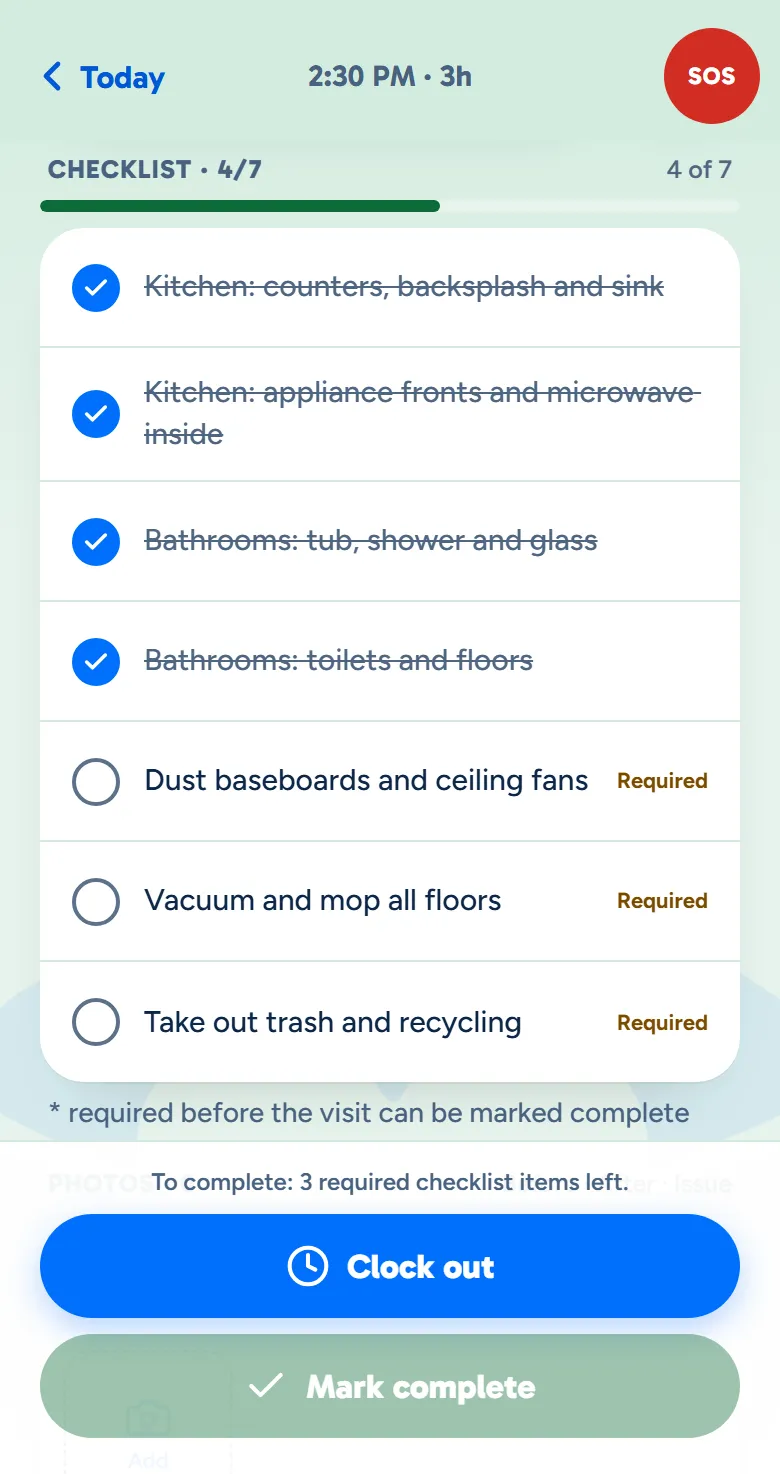
A visit in progress in the crew app: four of seven checklist items done, the rest marked Required, and Mark complete waiting
Example data

Room by room

They work down your checklist, and every tick is saved as they go.

  • Your list for the job. Each kind of clean can have its own checklist.
  • The crew can't skip required items. Required items must be ticked before they can mark the visit complete, unless you turn that rule off.
  • Photos with your labels. Before, After and Issue to start, and you can require photos before they finish.
  • A note back to you. A loose gate latch or a new pet goes on the visit, for the office only.
The owner at her desk with the day's schedule open on her laptop
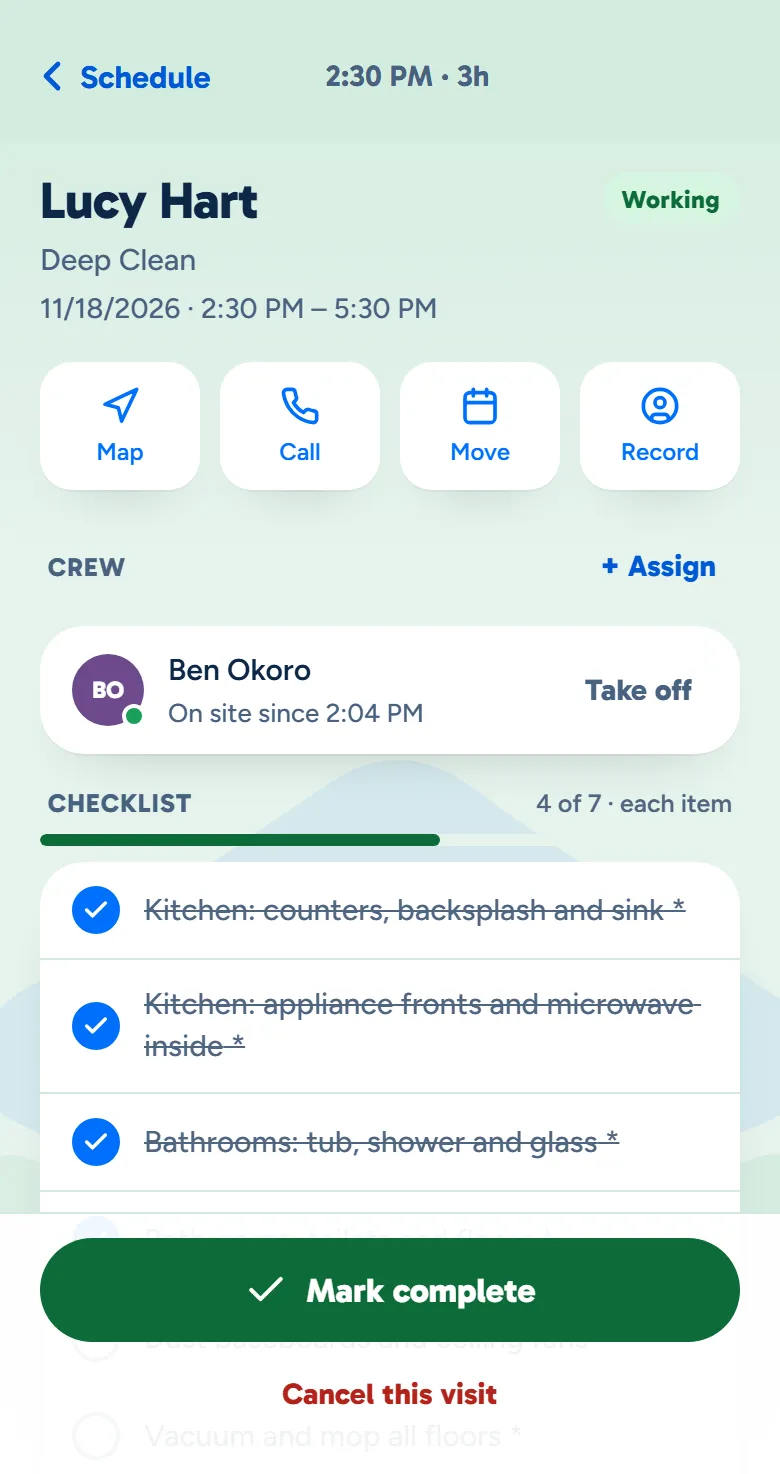
The owner app's view of the same visit: who is on site and since when, and the checklist four of seven done
Example data

You see it from yours

In the owner app, the same visit shows who is there, since when, and how far along they are.

  • No calling to check. Who is on the visit and since when, with their checklist filling in.
  • Where they clocked in. How far from the address each clock-in was. Nothing tracks them in between.
  • Late gets flagged. With no clock-in 15 minutes after the start, they show as late, and you set the minutes.
  • Hear about it. The owner app can send you clock-ins, On my way and SOS as they happen.

Made for the people doing the cleaning.

Your crew can use it in English or Spanish, sign in without a password, and see what they've earned.

The same day, in Spanish.

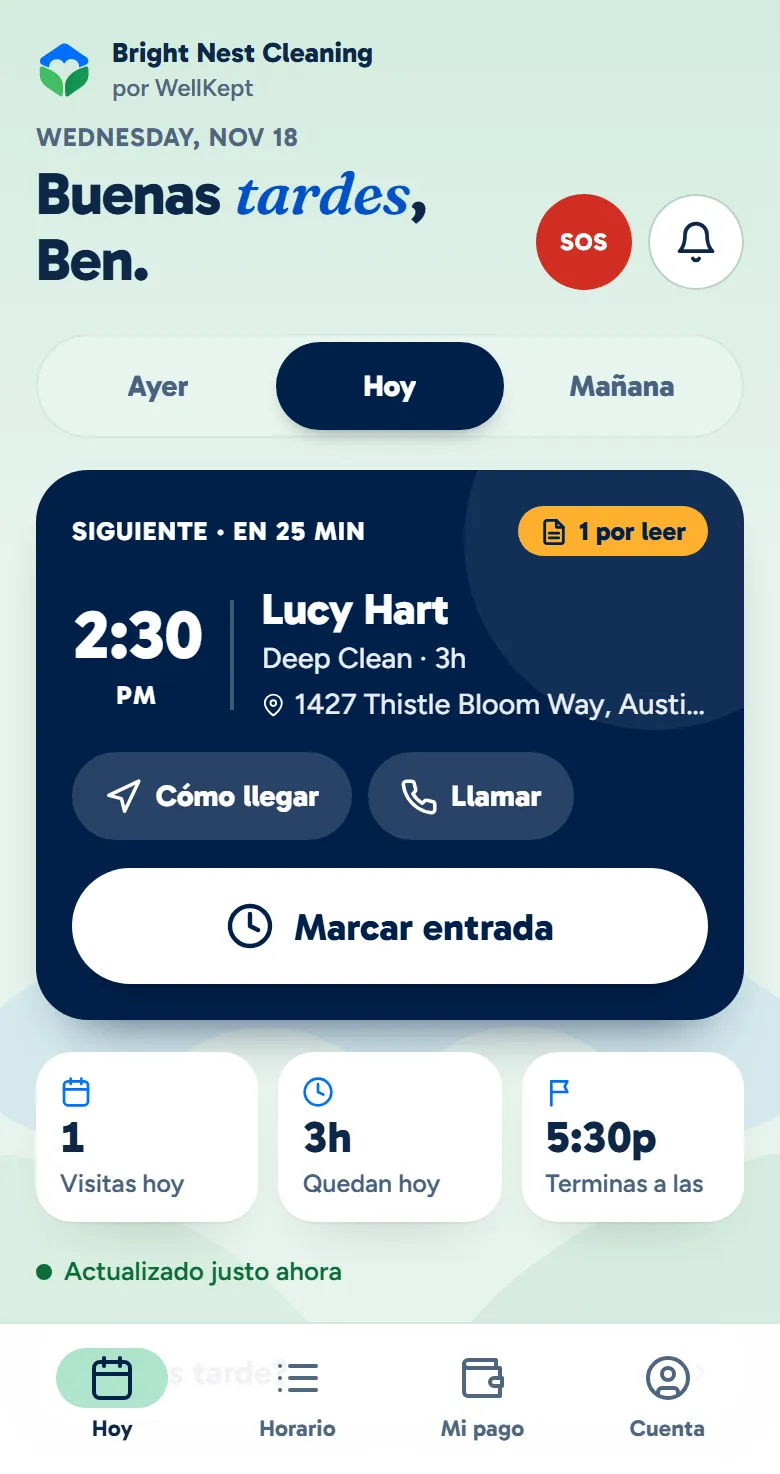
  • Its words, both languages. The crew app's buttons, labels and headings come in English and Spanish.
  • Their phone's language, or their pick. It follows the phone, or they choose English or Español on their Account screen.
  • Your words stay yours. Customer names, codes, notes and checklist items show as you typed them.
  • Notifications too. Choose Español on their account and their notifications come in Spanish.
The same Today screen, in Spanish
The Today screen in Spanish. Example data.

What owners ask before they hand it to their crew.

Do they need to install anything?

No. It opens in their phone's browser from a link, and they can add it to their home screen so it opens like an app.

Can I see where they are?

When they clock in or out, you see how far from the address they were, if their phone shares its location. The app never tracks them in between.

Can my crew see other customers' codes?

No. Codes and notes show only on the visits a person is on, and the codes are stored encrypted.

See it with your crew.

Tell us how your crews run their day and we'll show it to you in the app.

The owner on her porch swing with a coffee at the end of the day while her two cleaners wave from beside the van