
Quotes they can say yes to on a phone.

Price it with your own rates and put it in your design. They read it on their phone and tap Accept now, and WellKept keeps their yes on the quote and makes the invoice.

A walkthrough is a call with the people who build WellKept.

A customer in a garden chair on her patio with a glass of iced tea, smiling at her phone, her tabby cat asleep beside her chair
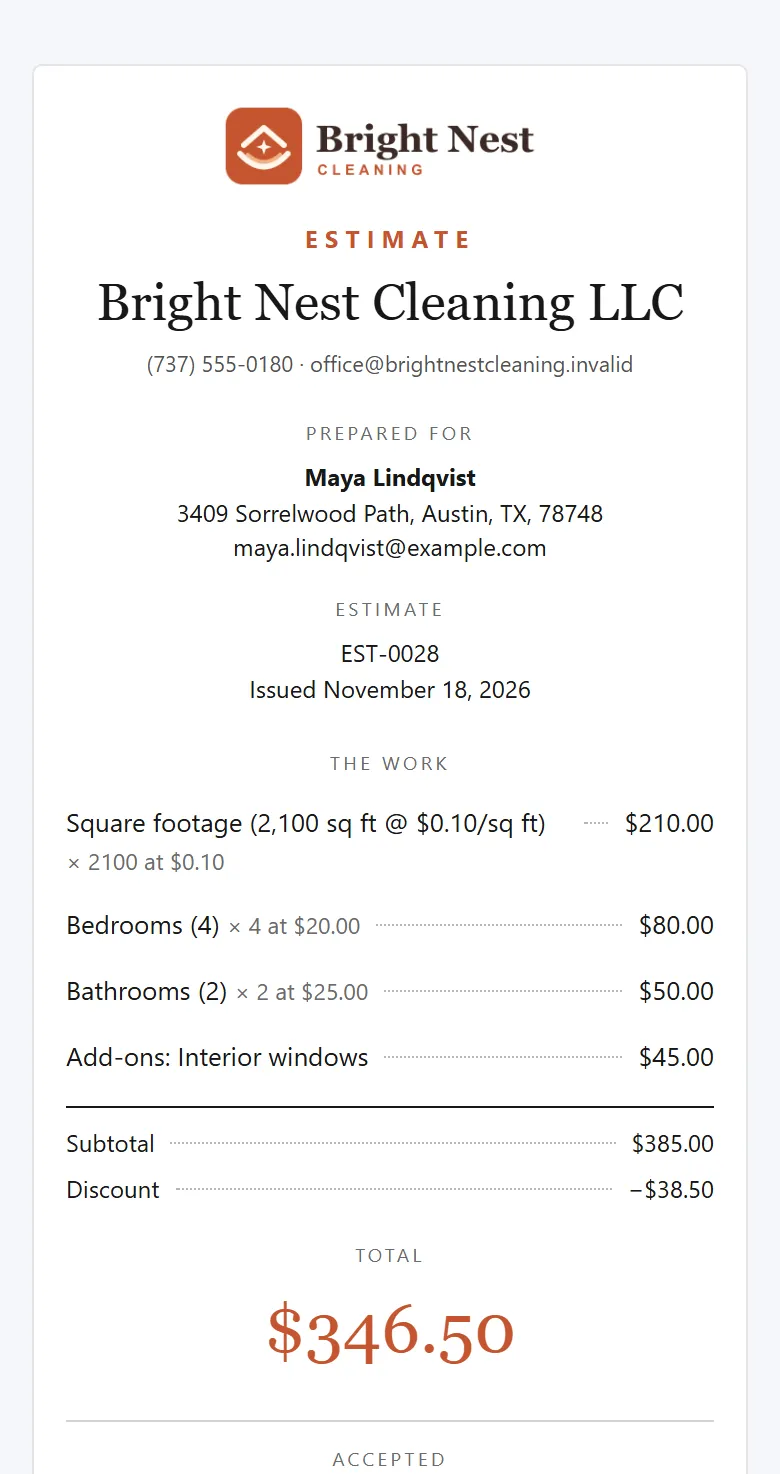
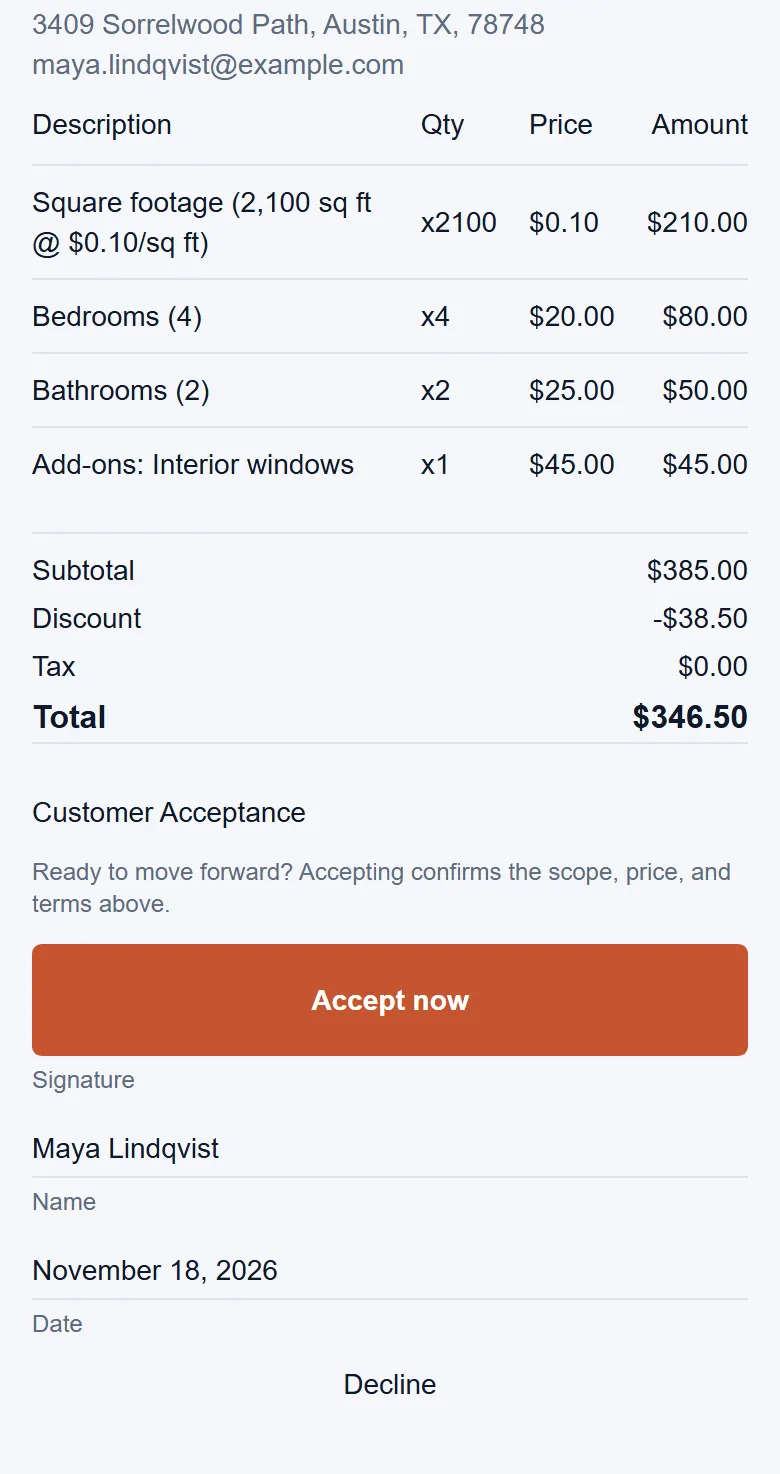
A quote on the customer's phone: the total, then the signature box with Accept now, her name and today's date
Example data

Everything around their yes.

The yes happens on their phone. Here is what comes before it and after, for one quote and one customer. Tap the dots on the screens to see what each part does. The screens are the real product with example data.

The owner at her desk, pricing a quote on her laptop
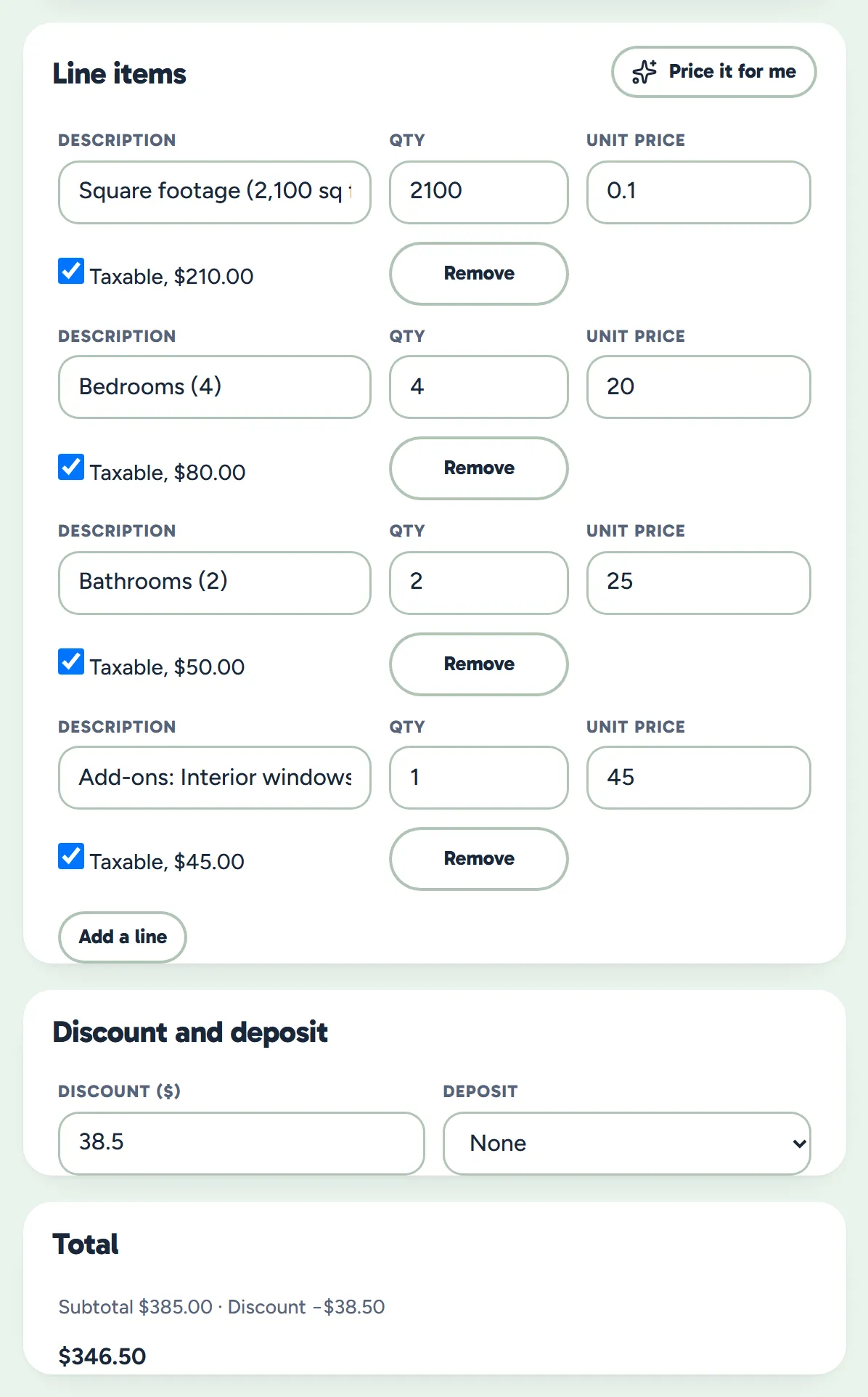
The quote form: four lines from the pricing calculator, the discount, no deposit and the total
Example data

Price it

Let your pricing calculator fill in the lines, or type your own, and see the quote as they'll see it.

  • Your rates, filled in. Your pricing calculator works the lines out from the home's size, rooms and extras.
  • Still yours to change. Edit any line, price or the discount before you save.
  • Ask for a deposit. A set amount or a percent of the total. Taking it by card is coming soon.
  • See what they'll see. The quote beside the form changes as you type.
A customer on her sofa with her cat, smiling at the quote she just signed on her phone
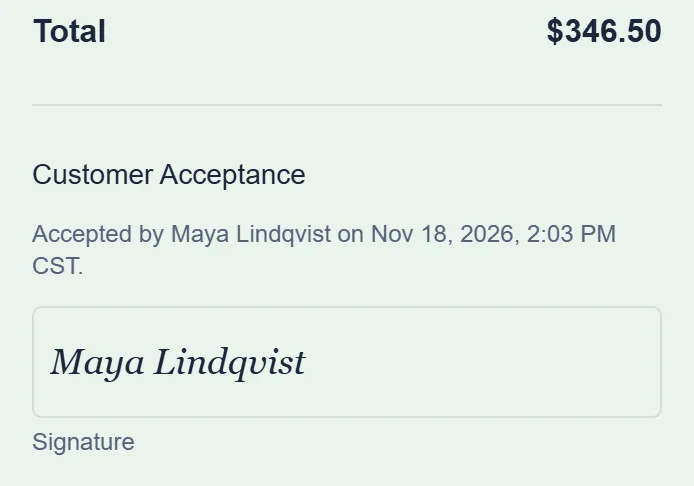
The accepted quote's total and acceptance: accepted by Maya Lindqvist with the date and time, and her name in the signature box
Example data

Signed and kept

When they tap Accept now, the quote is locked with who said yes, when, and from where.

  • Who and when. Their name, email and the exact time are kept on the quote.
  • And from where. The internet address they said yes from is kept with it.
  • What they agreed to. The lines and total are saved as they were, and the quote can't be edited after.
  • On their record. It stays with the customer's other quotes on their page.
The owner visiting the next customer's home, clipboard in hand and a tape measure at her pocket, smiling at her phone by the stairs
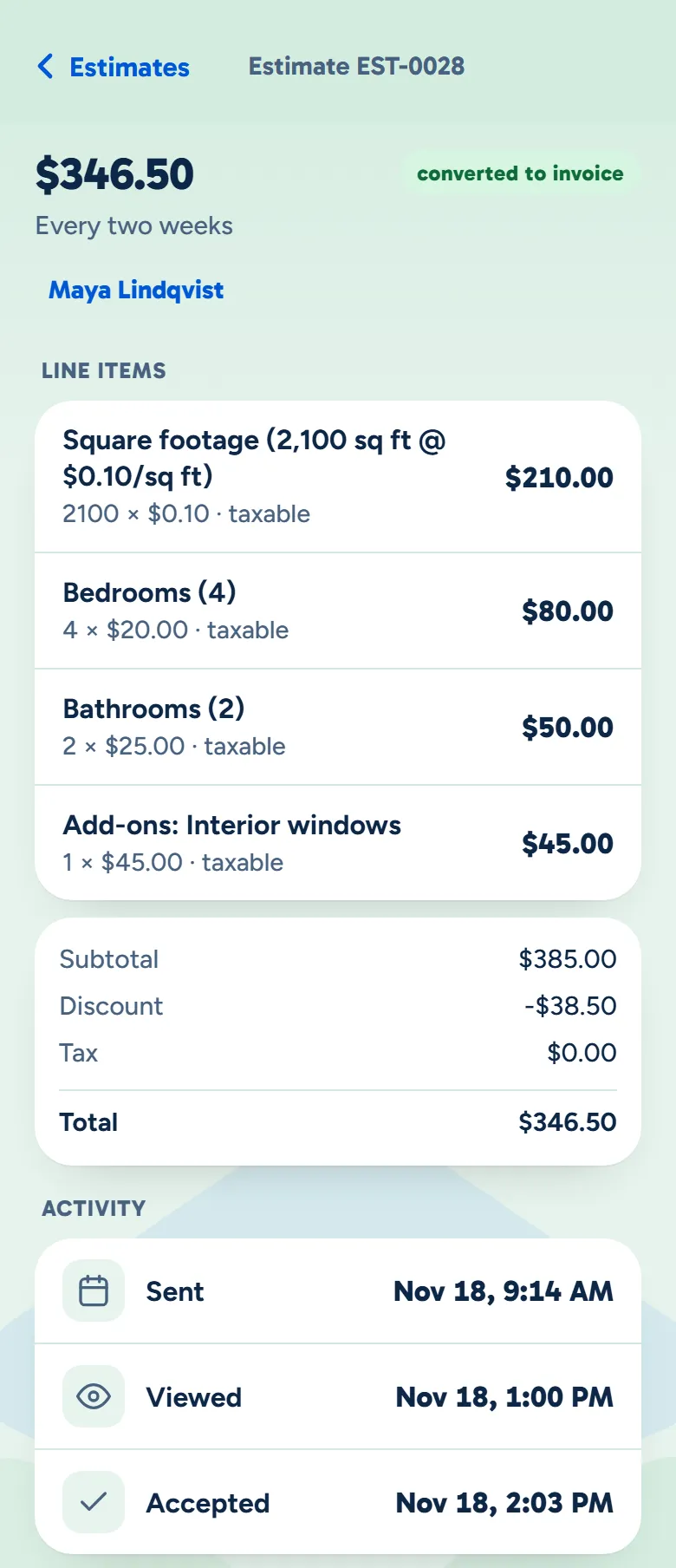
The owner app showing the quote turned into an invoice, its lines and total, and when it was sent, opened and accepted
Example data

On your phone

The owner app shows when they opened it and when they said yes, and the invoice is already made.

  • The invoice is made. An accepted quote becomes its invoice by itself, from the same lines.
  • The whole quote with you. Its lines, discount and total, just as they said yes to them.
  • Make and change quotes there too. Start one from a customer's page in the owner app, and edit it until they answer.

One quote, seven designs.

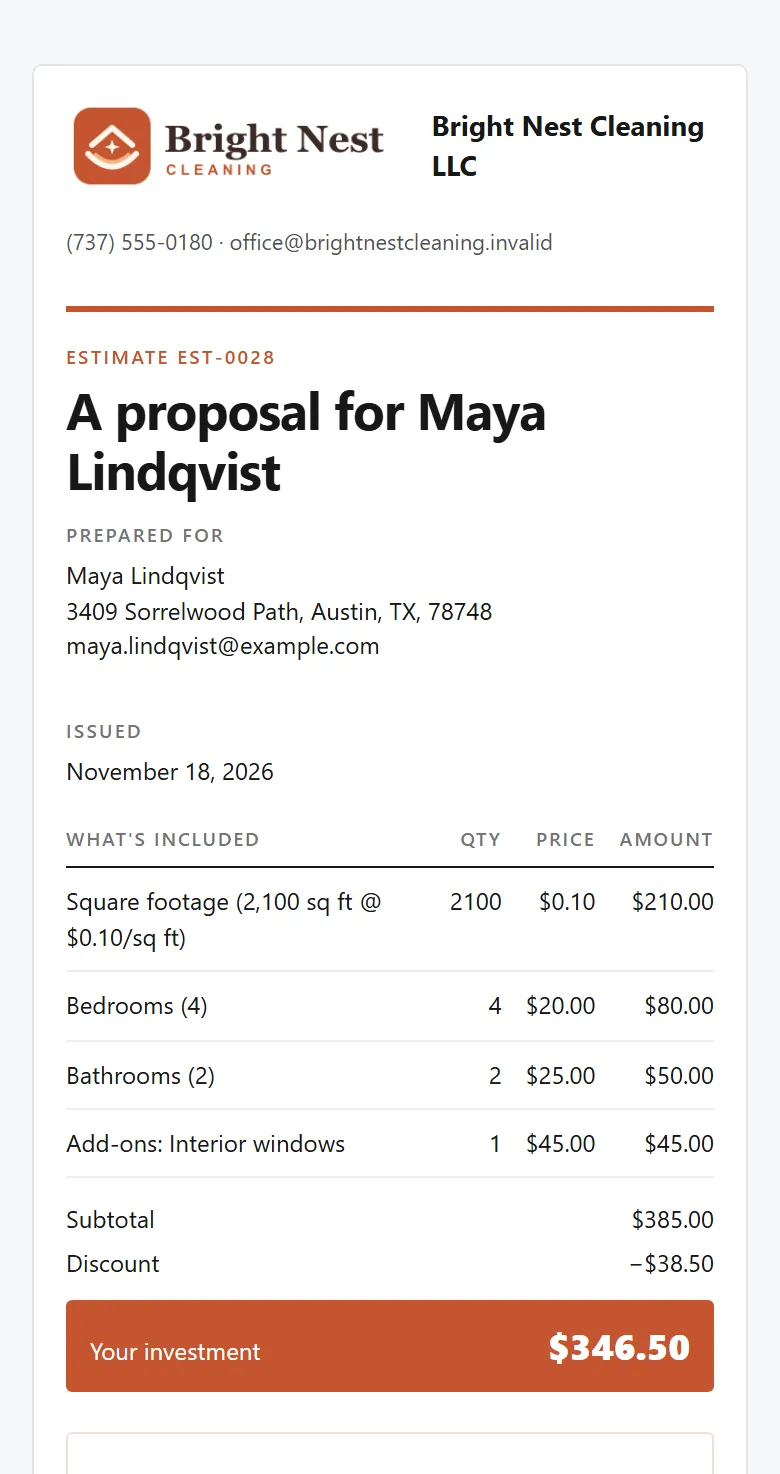
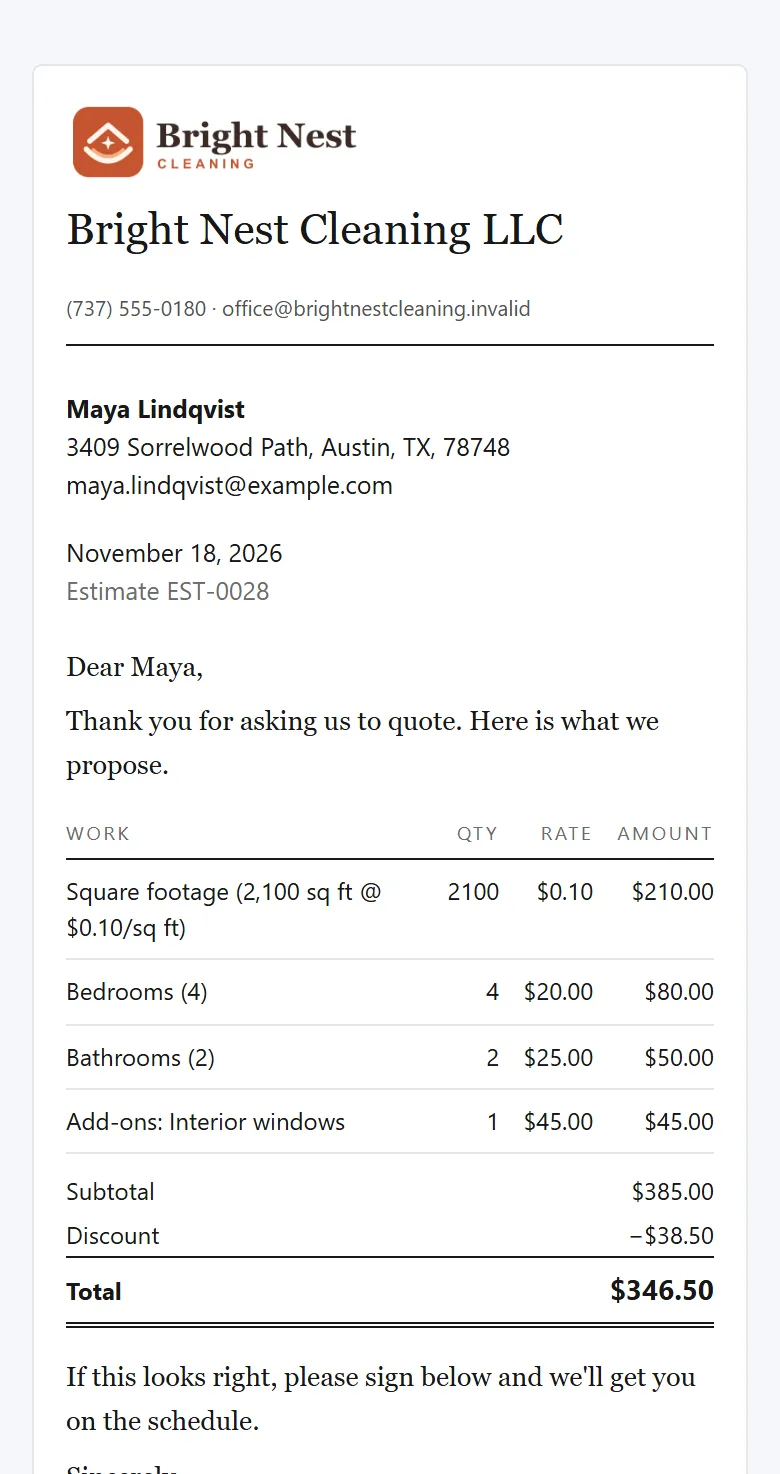
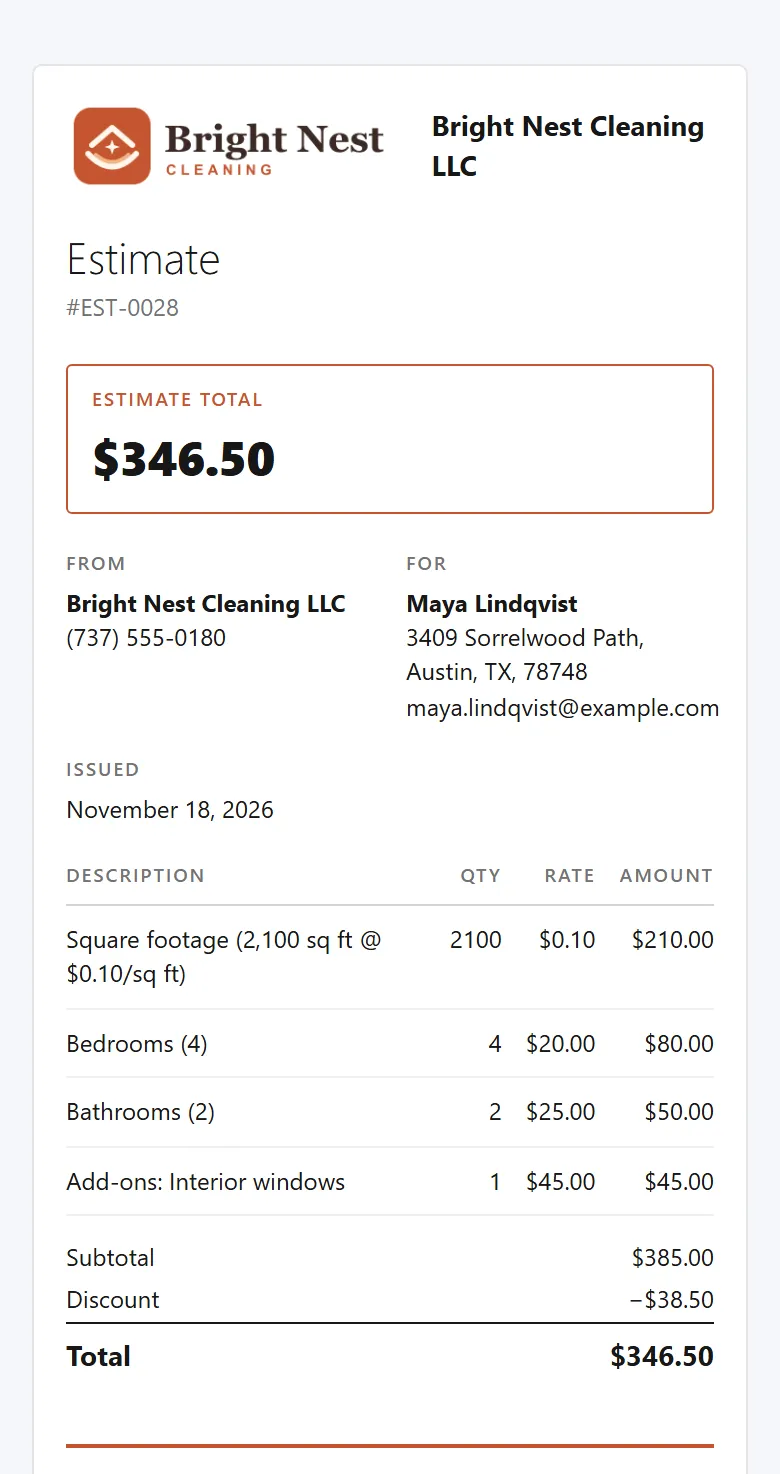
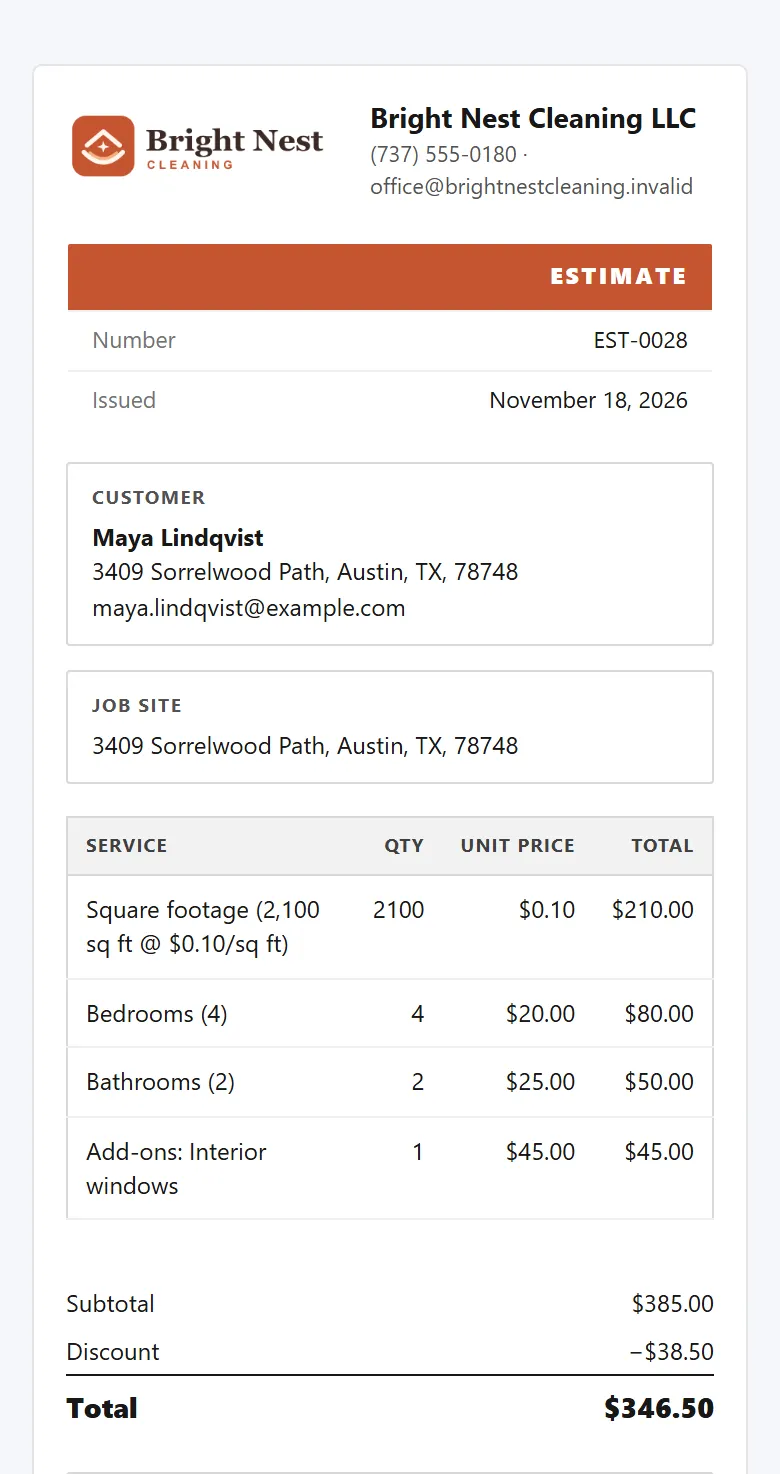
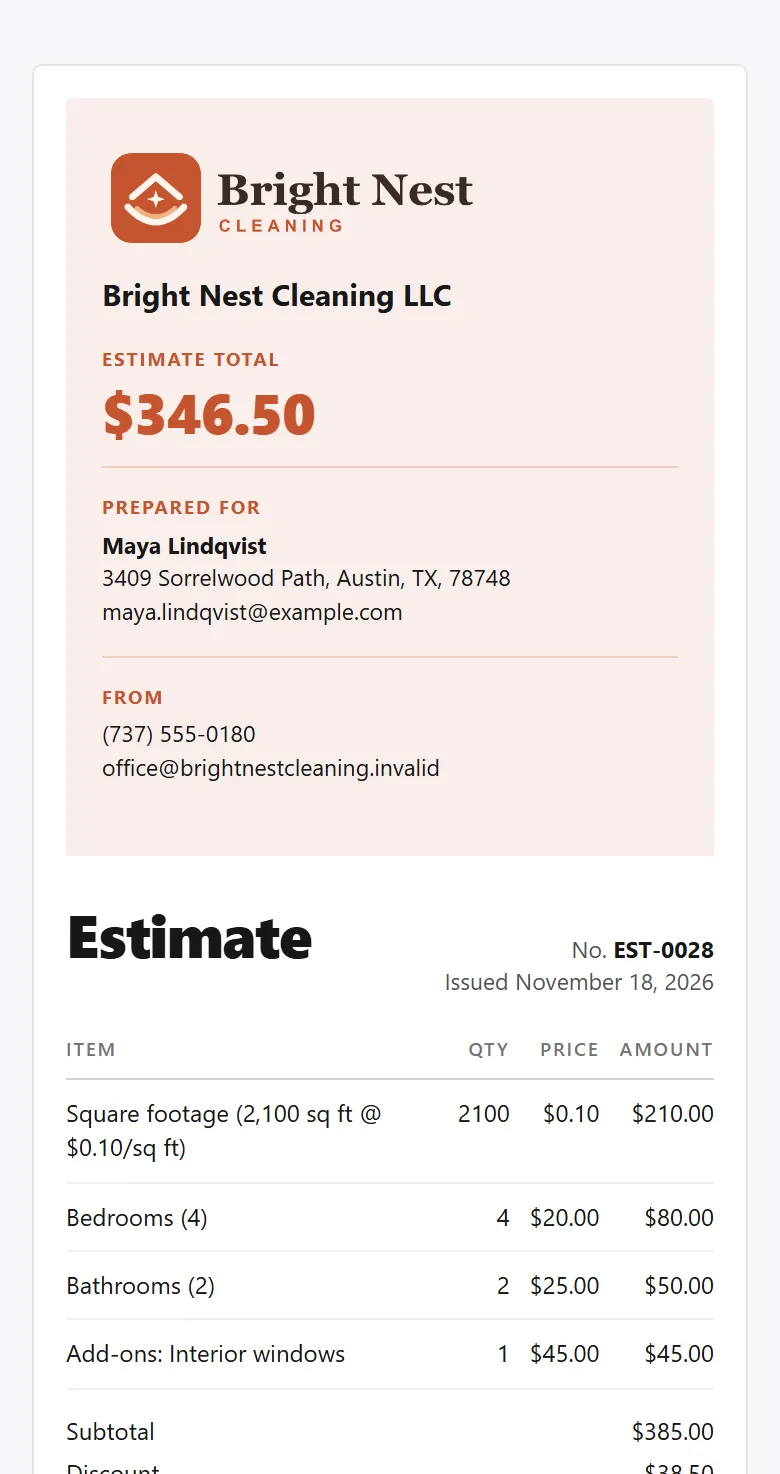
Every design carries the same lines, total and signature box, and you can switch whenever you like.

Classic

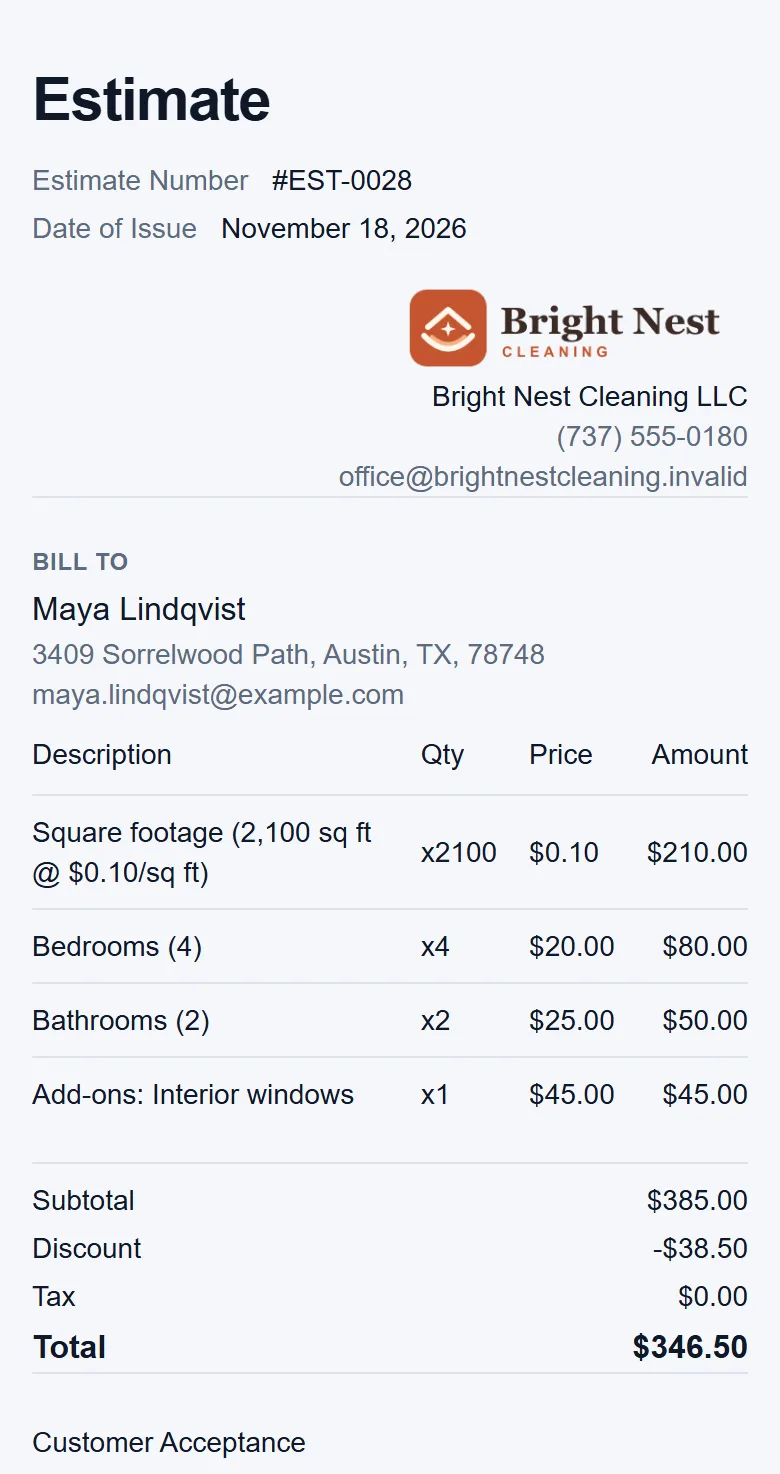
Your business at the top, then the lines, the total and the signature box.

  • Your logo on every one, and your colour on all but Cover letter. And a letter around the price if you want one, written once and changed for any quote.
  • On their phone and on the PDF. The design is on the page they open once the itemized layout is on in Settings, and on every PDF.
Classic design
1 of 7
Classic design, on the customer's phone. Example data.

What owners ask about signing.

Do they need an account to say yes?

No. Their quote opens from its own link, with no password and nothing to download. They need an email on file, and if you require something else you don't have yet, like their phone number, they fill that in first.

What if they want something changed?

They can tell you before they answer, and you change the quote; the link they already have shows the new version. If they tap Decline, you see that on the quote and can write them a new one.

What happens after they say yes?

The quote locks with their name, email and the time, and its invoice is made from the same lines. When you book their first clean from the dashboard in the next three weeks, they're under Ready to book with the price filled in.

See it with your prices.

Tell us how you quote today and we'll show you how yours would look.

The owner on her porch swing with a coffee at the end of the day while her two cleaners wave from beside the van