Invoice sent. Paid from their phone. Coming soon.

Your customer will open the invoice on their phone and pay it by card or bank account, with a tip for the crew if you turn tips on. The payment will mark the invoice paid by itself.

Card and bank payments are being built and tested on our payment provider's test account. They aren't switched on for any business yet.

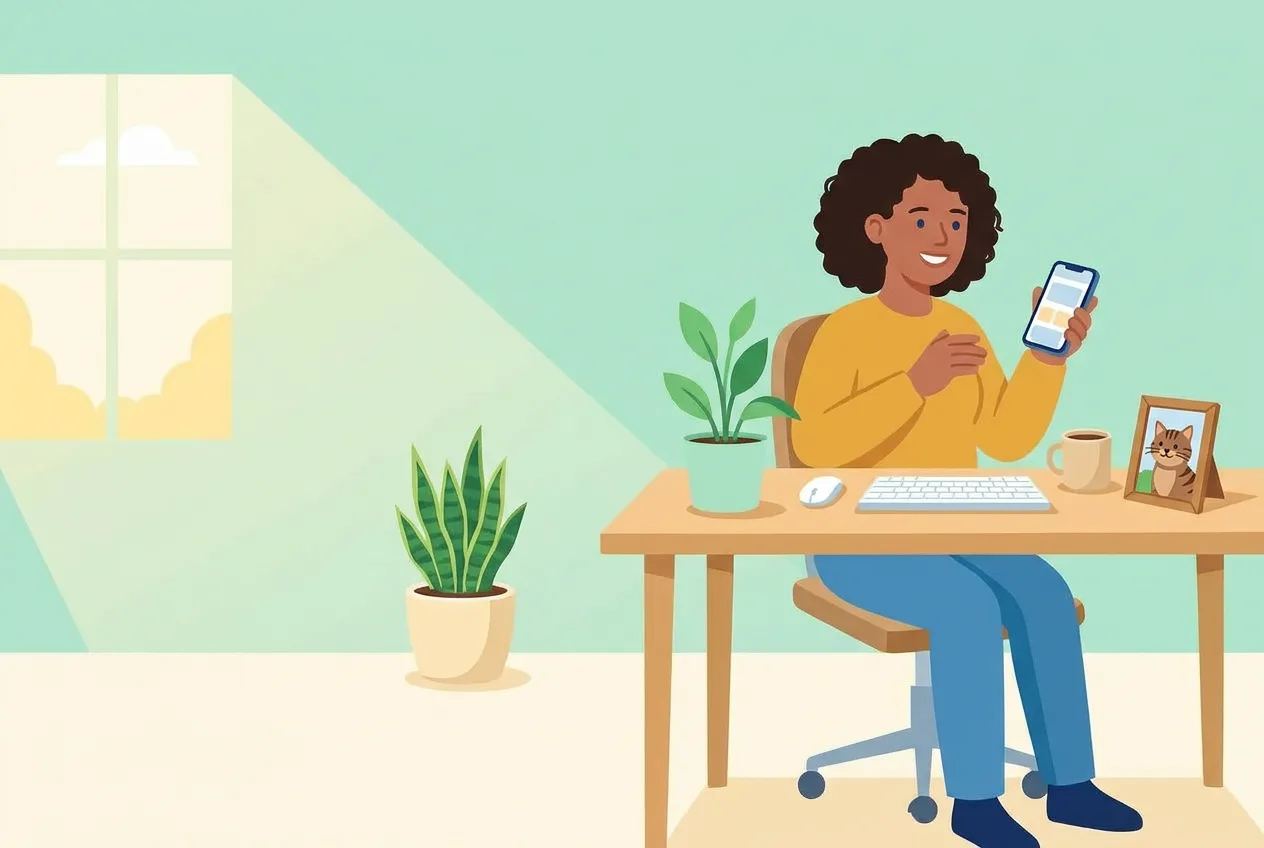
A customer at her desk smiling at the phone in her hand, a framed photo of her tabby cat and a mug beside her keyboard
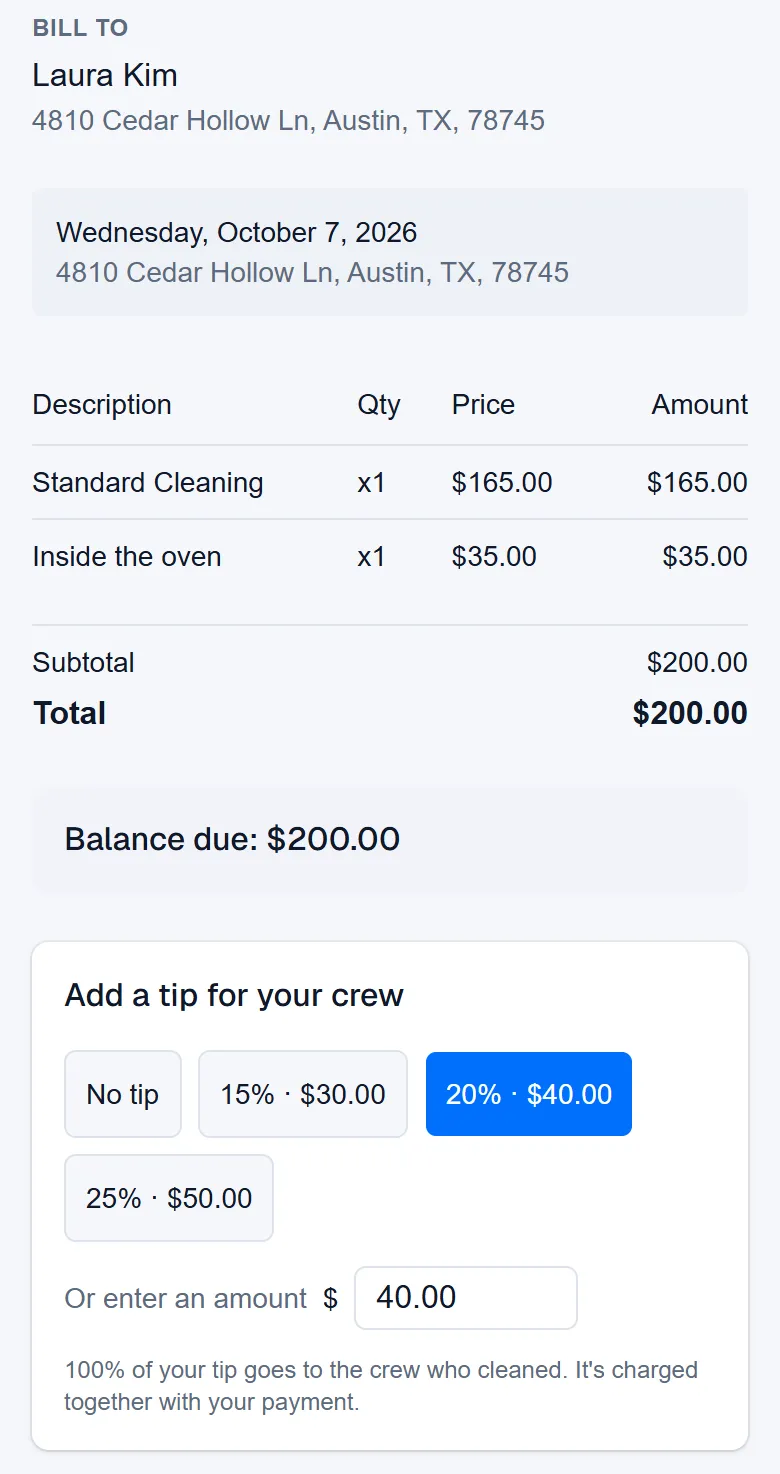
The pay page on a customer's phone: the cleaning's lines and the balance due, then a tip for the crew with 20% chosen
Example data

Two ways an invoice gets paid.

One is coming: your customer pays on the invoice's own page. One works today: you record the check or cash they give you. Tap the dots on the screens to see what each part does. The screens are the real product with example data.

The owner at her desk, working on her laptop
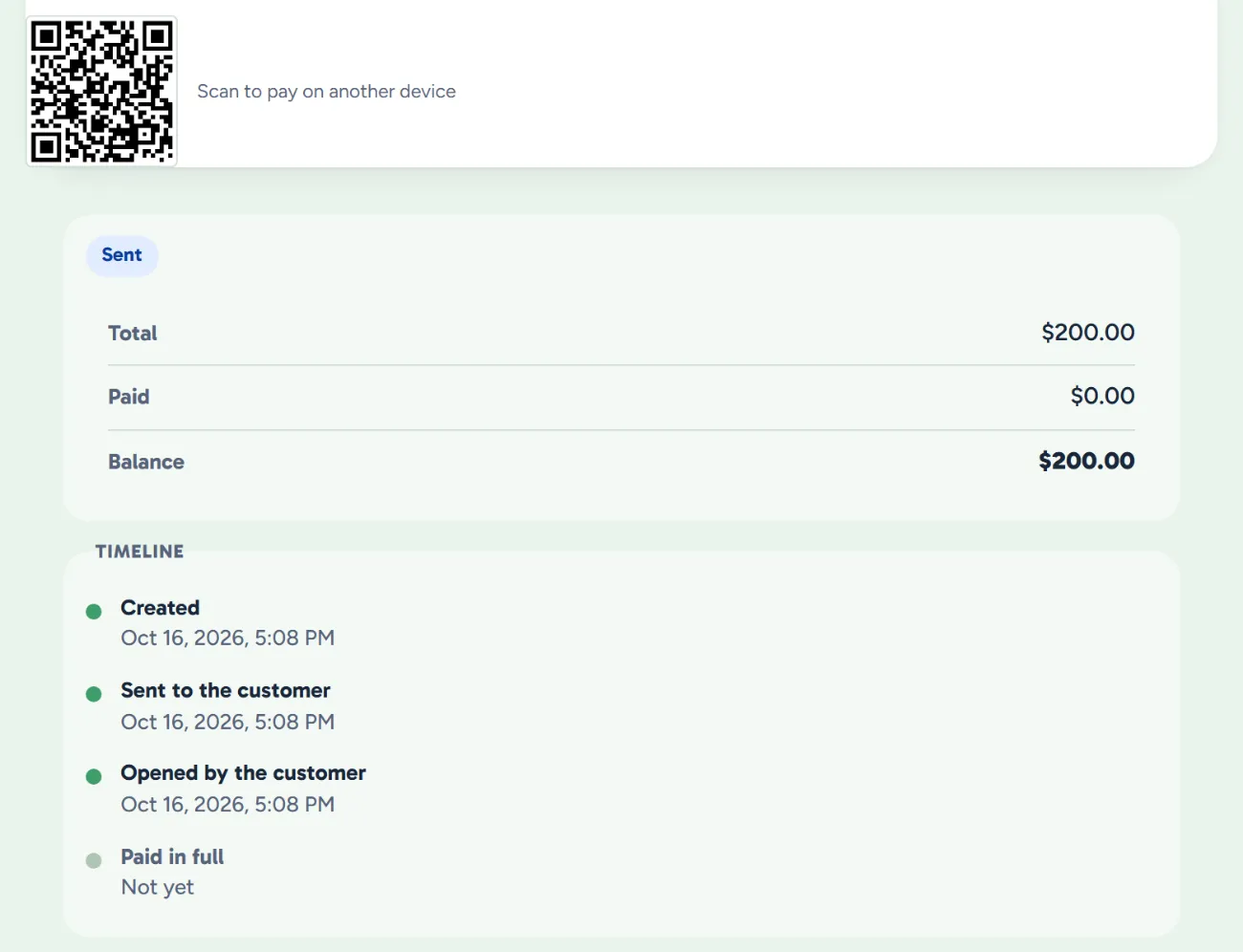
An invoice in WellKept: the QR code for the customer's pay page, the invoice sent and not yet paid, and its timeline from created to opened
Example data

Their own pay page

Soon each invoice you send will carry a page your customer pays it on.

  • What they owe, line by line. The page will show the cleaning, its lines and the balance, straight from the invoice.
  • A code to scan in person. They'll point their own phone at the QR code on your screen and pay there.
  • You'll see when they open it. The invoice's timeline shows the day they first opened the page.
  • Paid by itself. Paying there will mark the invoice paid, with nothing for you to type.
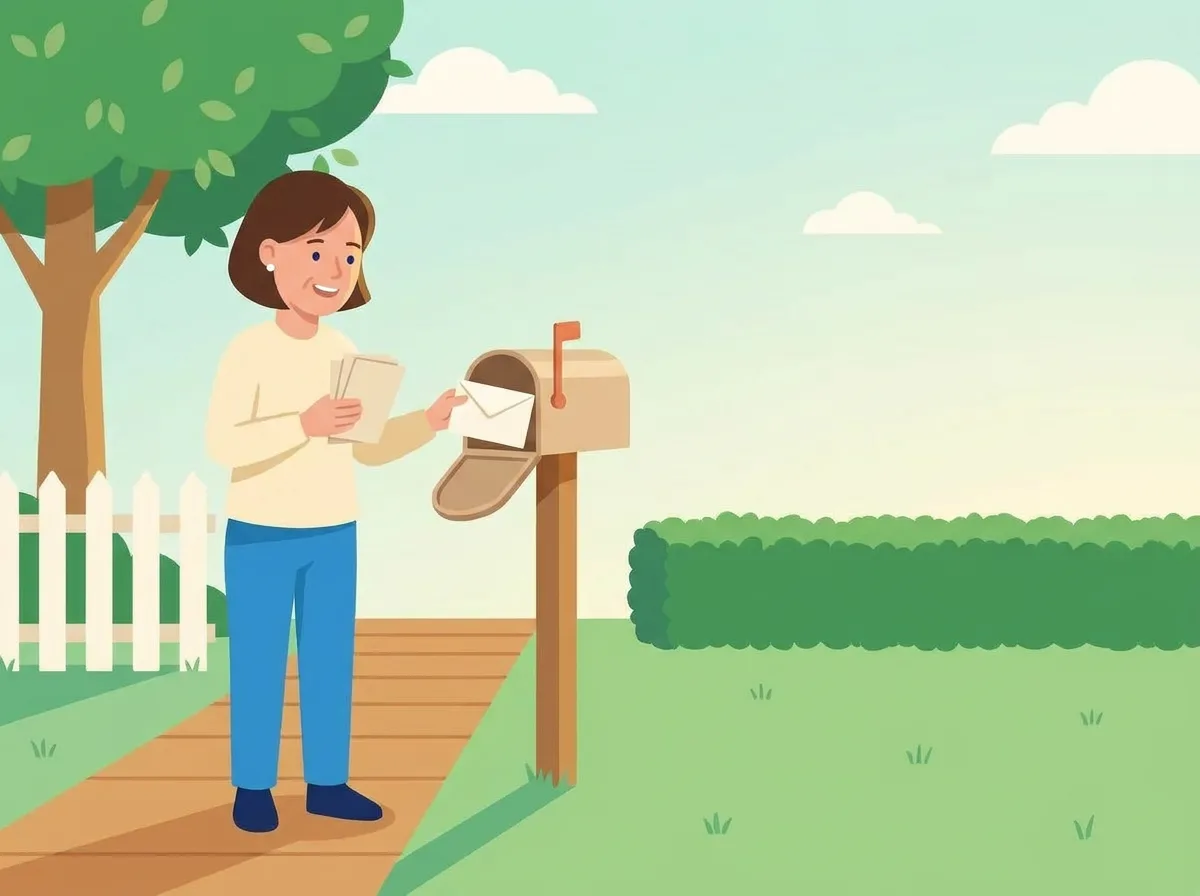
The owner at the mailbox by her front walk, smiling as she takes out the day's envelopes, a small stack already in her hand
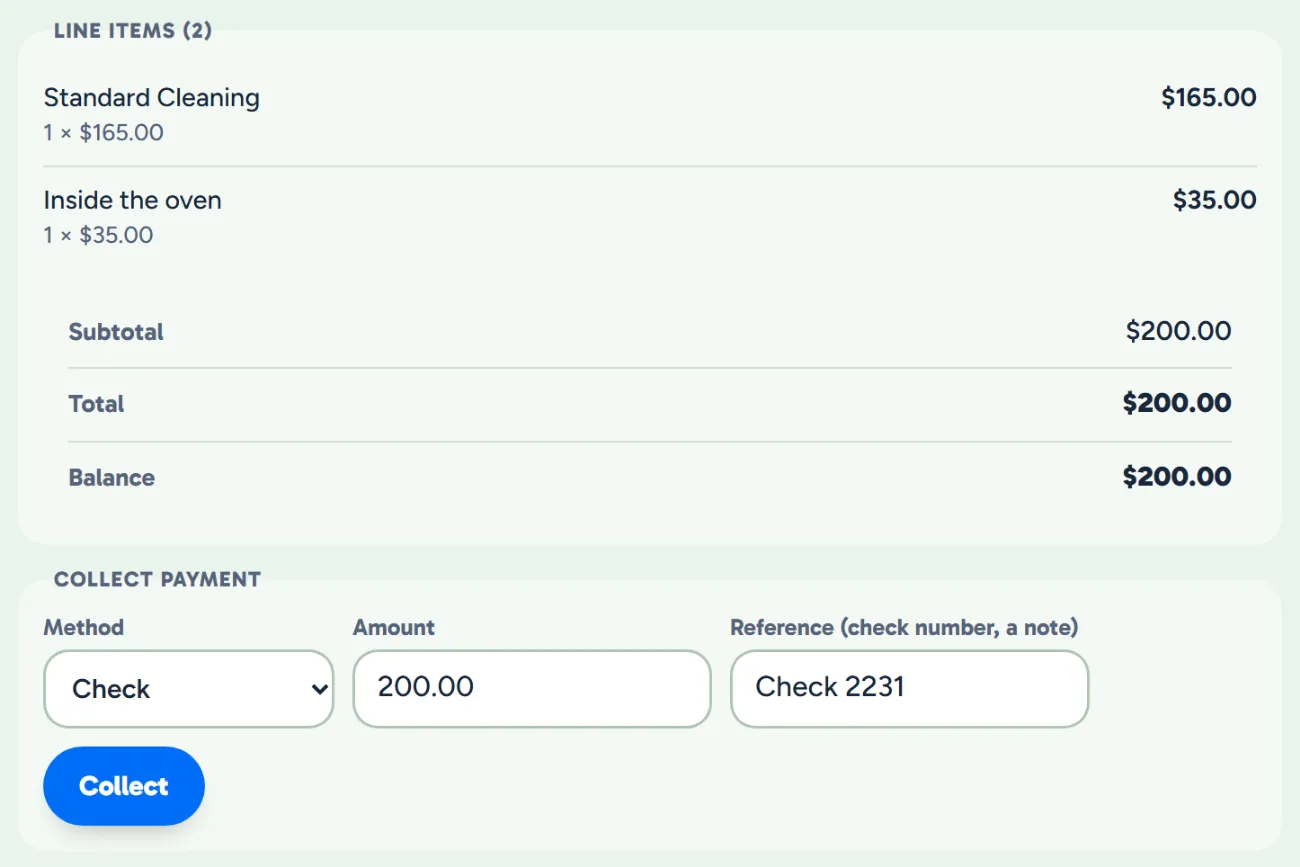
The invoice's line items and balance above Collect payment, with Check chosen and the check number typed in
Example data

Paid another way

A check in the mail or cash at the door? Record it on the invoice, and the balance follows.

  • Check, cash or another way. Pick how they paid, and add a note like the check number.
  • Part or all of it. Record what they gave you, and the invoice shows what's still owed.
  • Marked paid when it's settled. Record the last of what's owed, and the invoice shows Paid.

Every payment in one place.

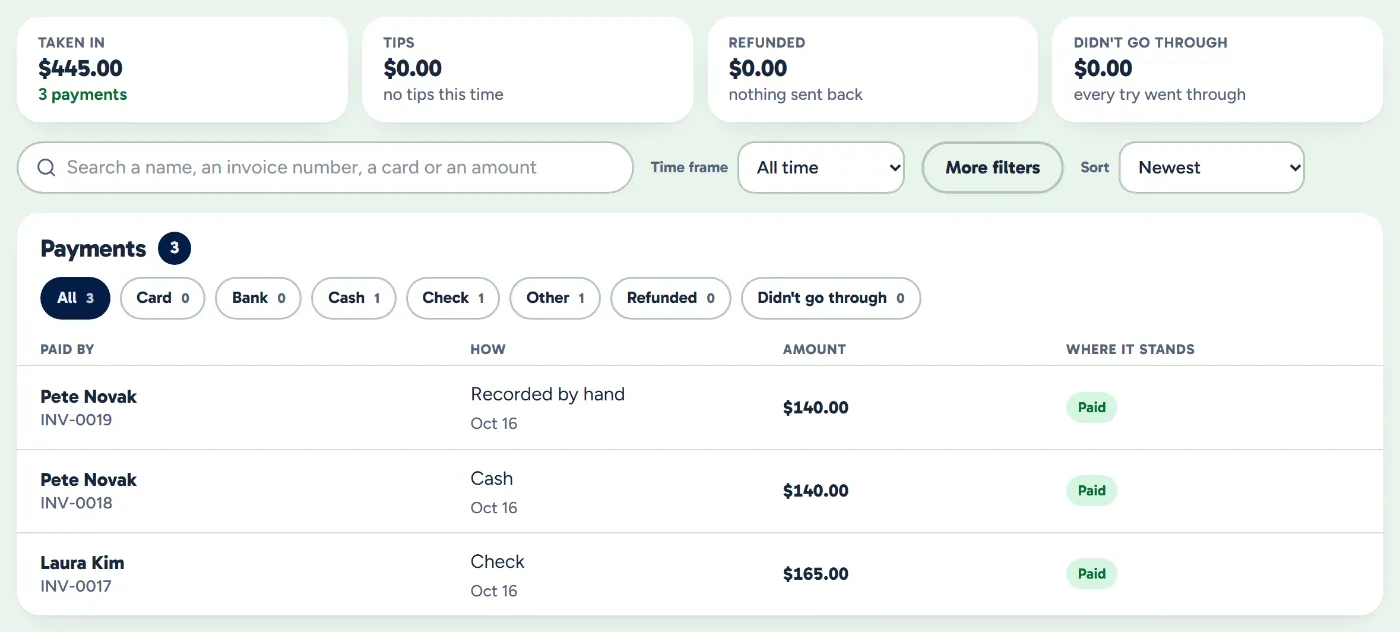
The Payments page shows what came in, how it was paid and where it stands. Today that's what you record; card and bank payments will land here on their own.

  • How each one was paid. Check, cash or by hand, with its invoice and where it stands.
  • Find a payment fast. Search a name or an invoice number, over any time frame.
  • On your phone too. The owner app lists every payment; it doesn't take or refund them.
The Payments page: what came in over a time frame, then each payment with who paid, how, how much and where it stands
Example data

What owners ask about card payments.

When can my customers pay by card?

When we switch card payments on. They're being built and tested on our payment provider's test account and aren't on for any business yet. Each business will also need its account approved and an owner using two-step sign-in. Until then, record checks and cash on the invoice.

Will WellKept see their card number?

When card payments open, they type the card into the payment processor's own secure box on the pay page, so the number goes to the processor, not to WellKept. WellKept keeps the last four digits, to show which card paid.

Could a customer be charged twice?

When card payments open, only one payment can run on an invoice at a time, and a payment for more than what's still owed is turned away.

See where payments stand.

Card and bank payments are on their way. Tell us how your customers pay you today, and we'll show you what's ready and what's next.

The owner on her porch swing with a coffee at the end of the day while her two cleaners wave from beside the van