
Your questions. Your rates. Your look. One link.

Send a new lead one link. They tell you about their home on their phone, and WellKept prices their answers with your rates and drafts the quote for you to check.

A walkthrough is a call with the people who build WellKept.

A customer on a stool at her kitchen island, filling in a form on her phone while her tabby cat sits on the counter
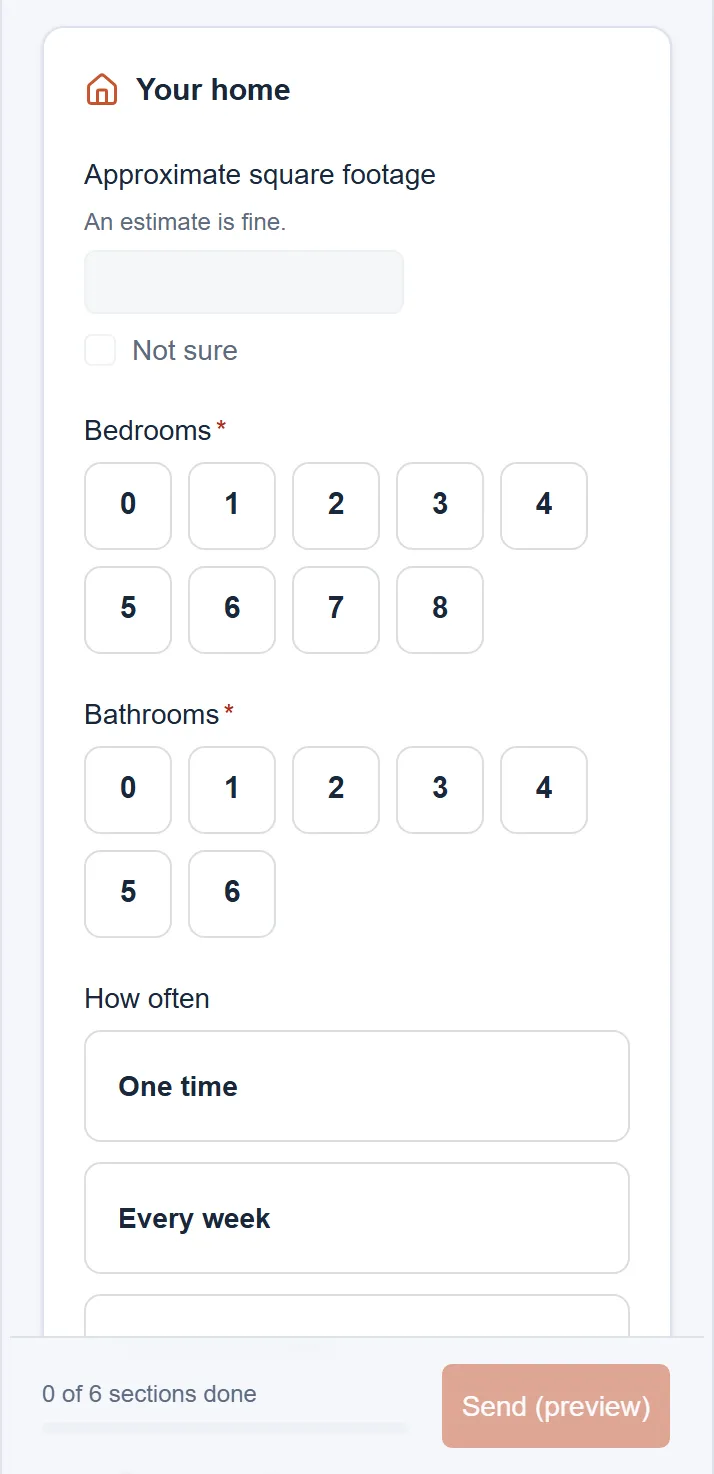
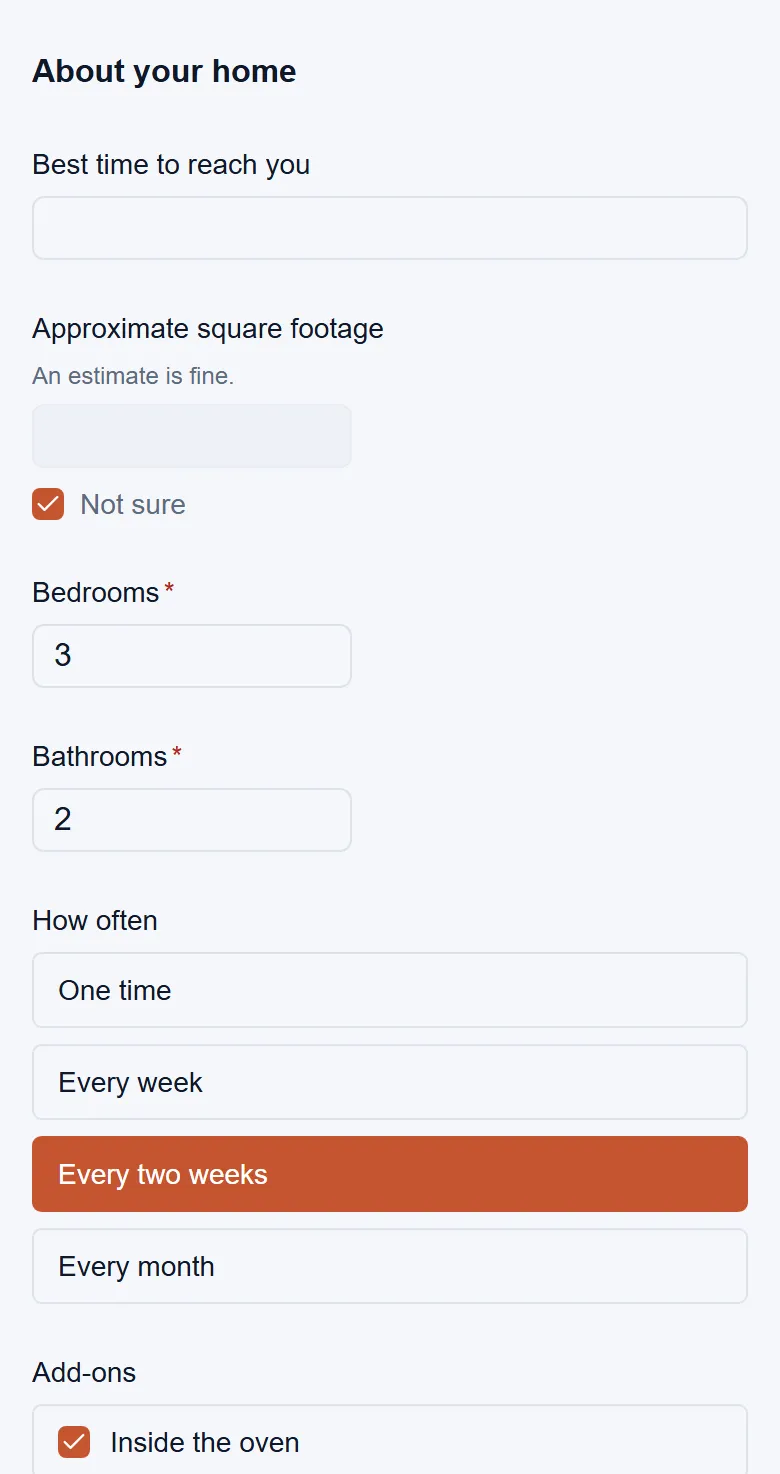
The intake form on a phone, asking for the home's square footage with Not sure ticked, bedrooms, bathrooms and how often
Example data

Follow one request from link to quote.

Tap the dots on the screens to see what each part does. The screens are the real product with example data.

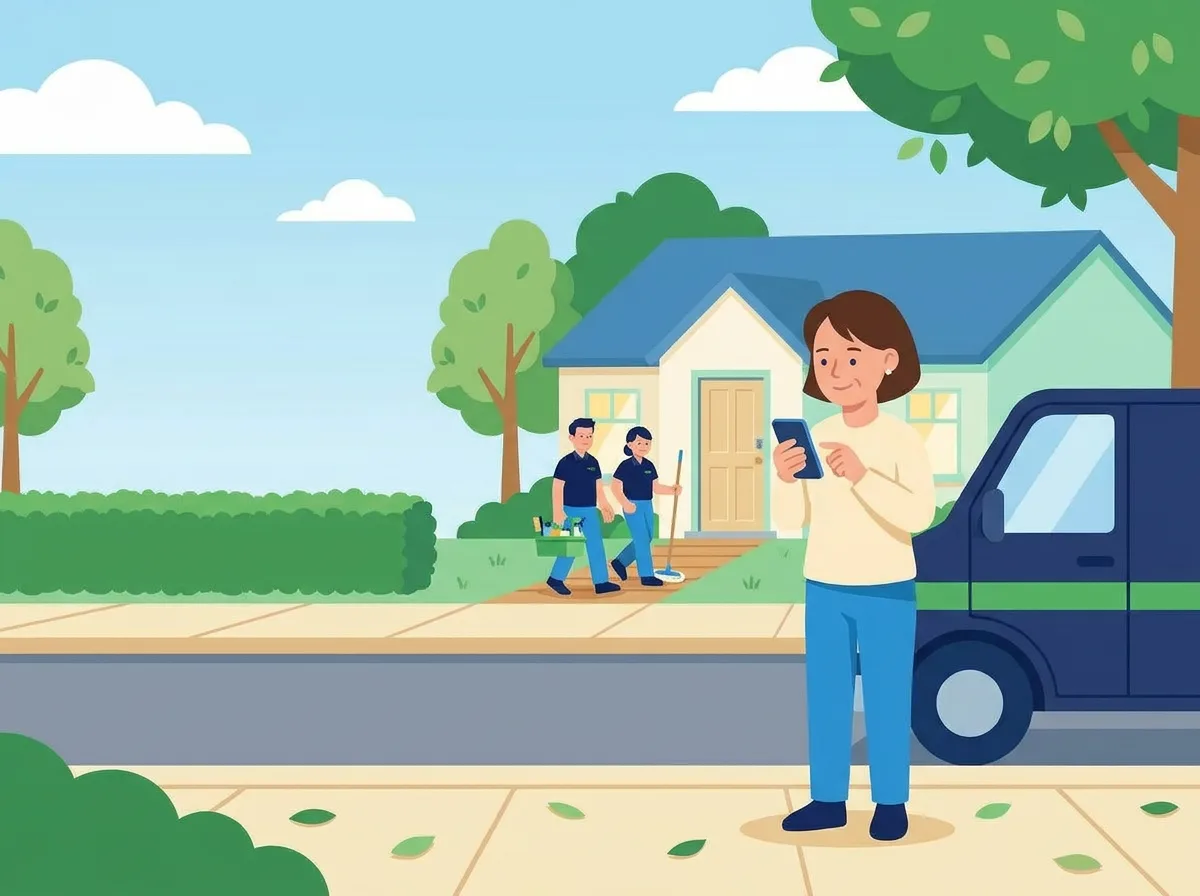
The owner on the sidewalk by her van, looking at her phone, while her two cleaners carry their supplies up the path to a house
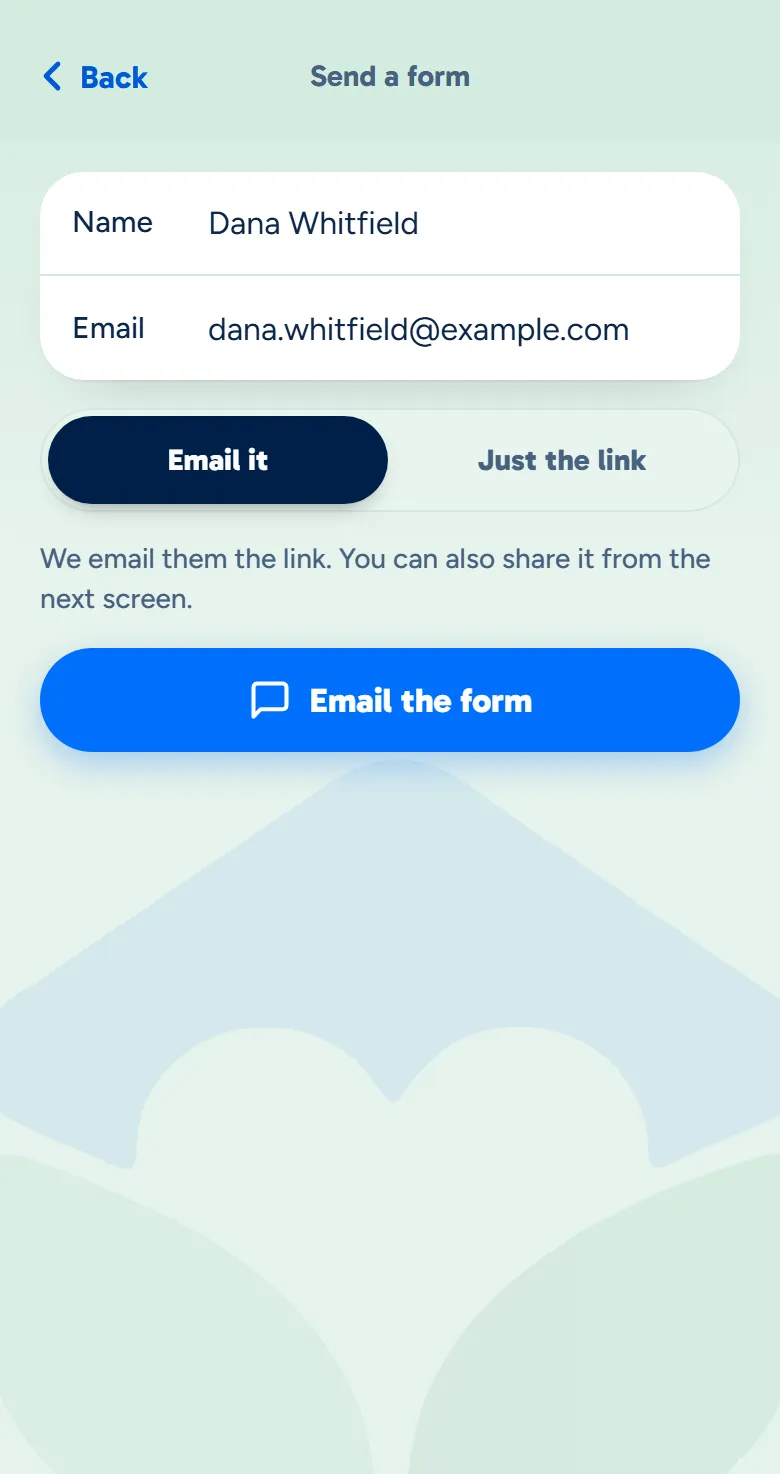
The owner app's Send a form screen with a name and email typed in and Email it chosen
Example data

Send the link

Type their name and email. WellKept emails them the form, or makes the link for you to send.

  • WellKept can email it. They get an email with your business's name and a button to start.
  • Or text it yourself. Make the link and paste it into your own text, or share it from the owner app.
  • Open for as long as you choose. Links work for 14 days, or the length you pick in Settings, up to 90 days.
A customer on her sofa with her cat, smiling at her phone
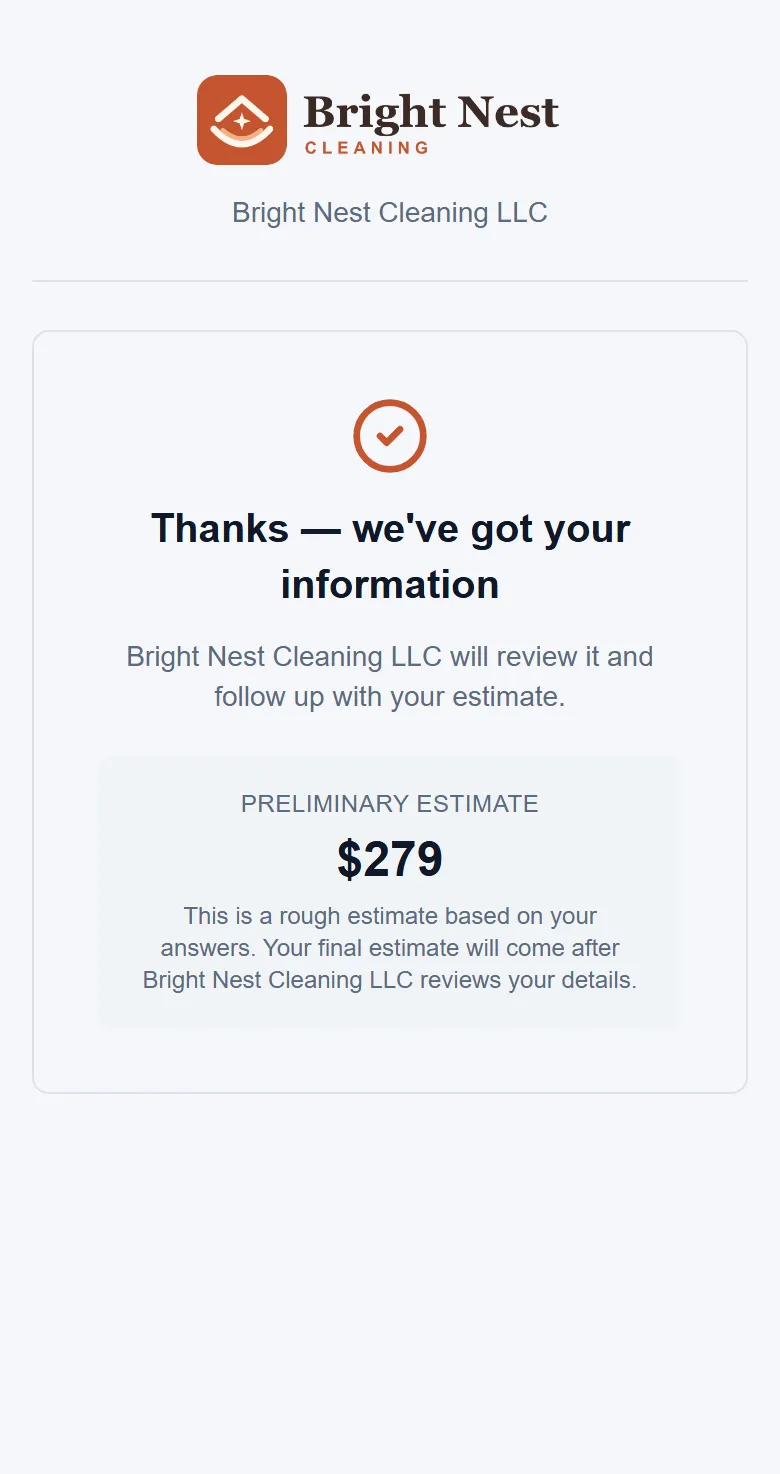
The thank-you page on the customer's phone with one preliminary estimate
Example data

They fill it in

They answer on their phone, in your colours, whenever it suits them.

  • Their name and email are already in. You typed them once, when you made the link.
  • The questions you set. Like size, rooms, how often, pets and getting in.
  • Photos from their phone. Up to ten, kept with the request.
  • A price at the end, if you want. Off until you turn it on, then they see one preliminary price.
The owner at her desk, working on her laptop
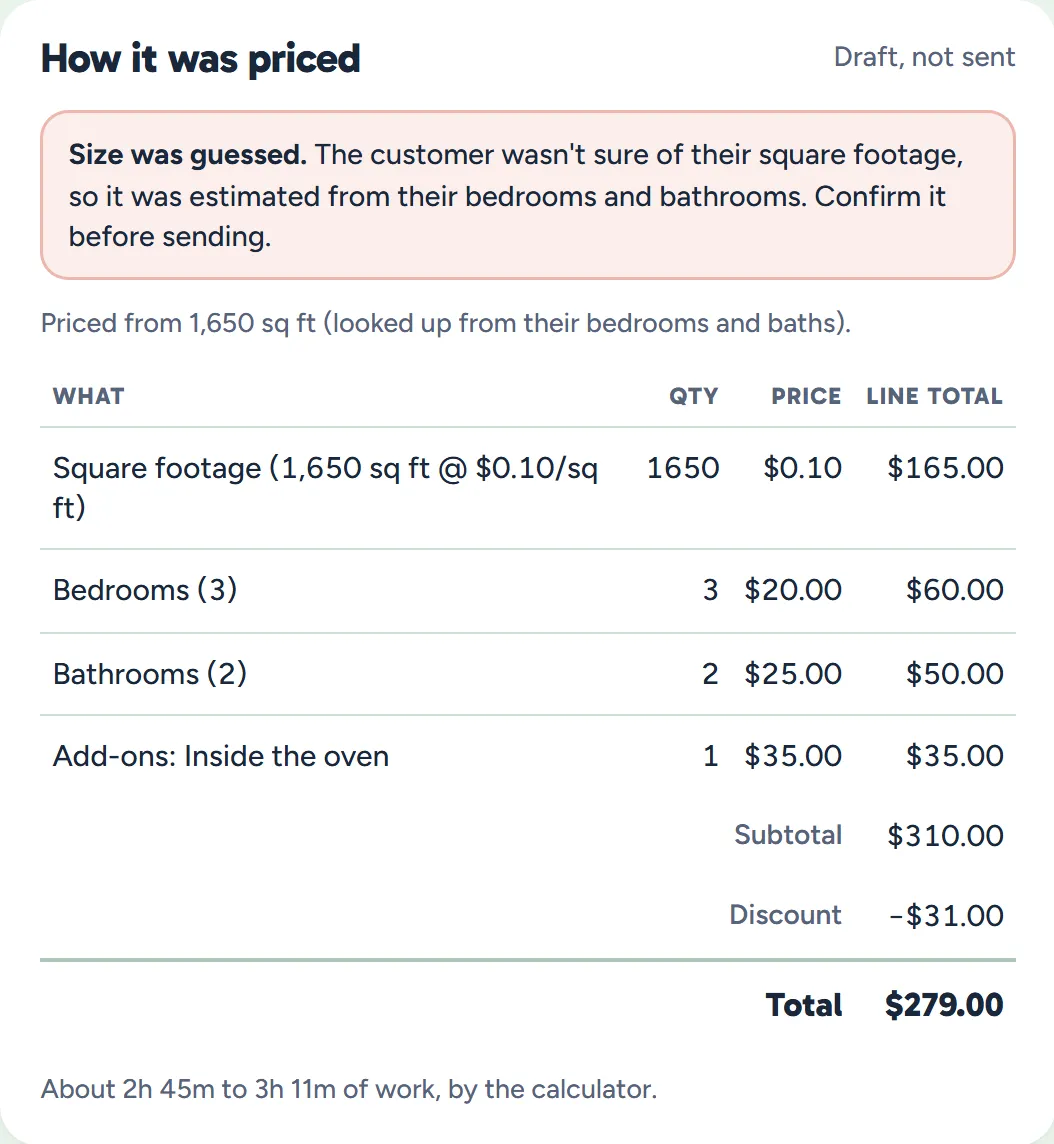
How it was priced: the size marked as guessed, each line from the business's rates, the discount, the total and the time
Example data

It's priced

The moment they send it, WellKept works out the price with your rates.

  • Priced with your rates. The same calculator you price quotes with, at today's rates.
  • A guessed size is flagged. If they weren't sure, it comes from your bedrooms-and-baths table, and you're told to check it.
  • A time only you see. About how long the clean will take, from the minutes you set.
  • Fix what they got wrong. Change the draft quote before you send it.
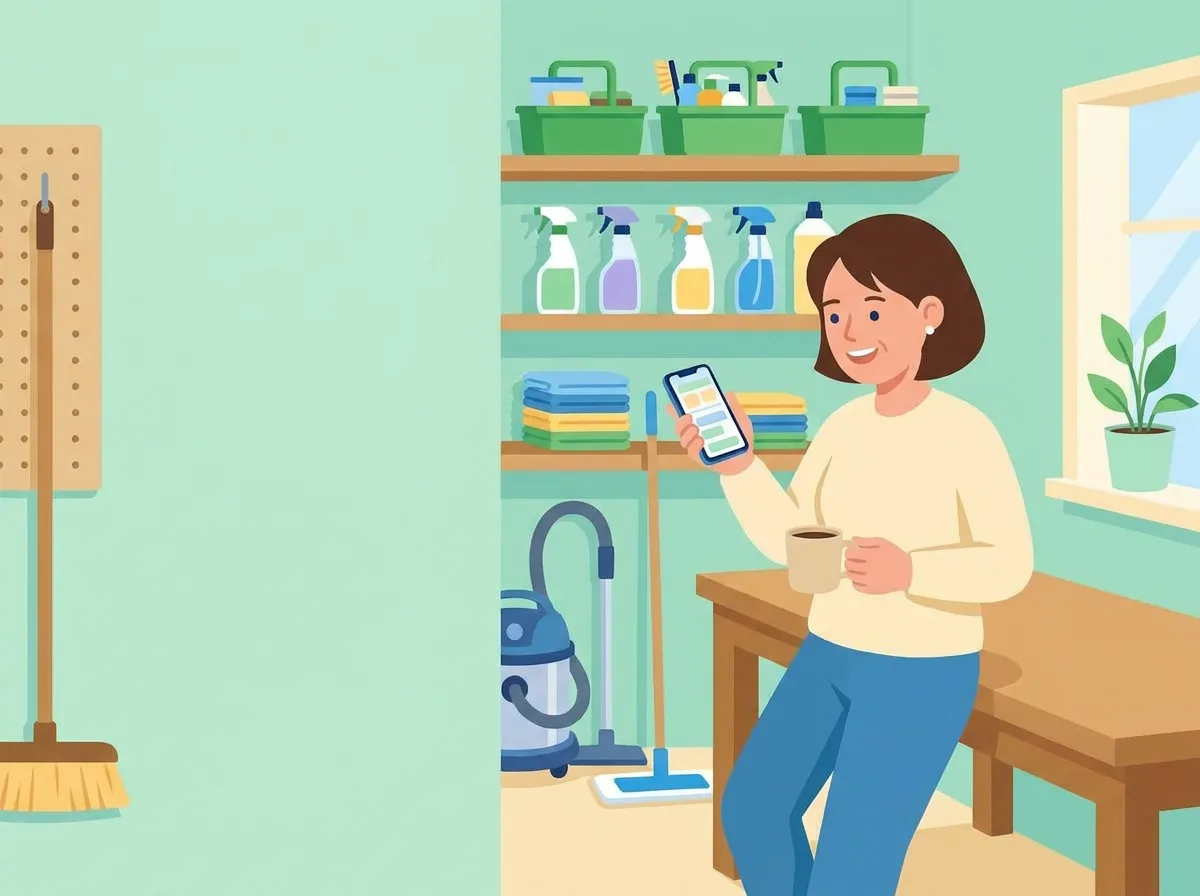
The owner in her supply room with a coffee, smiling at her phone
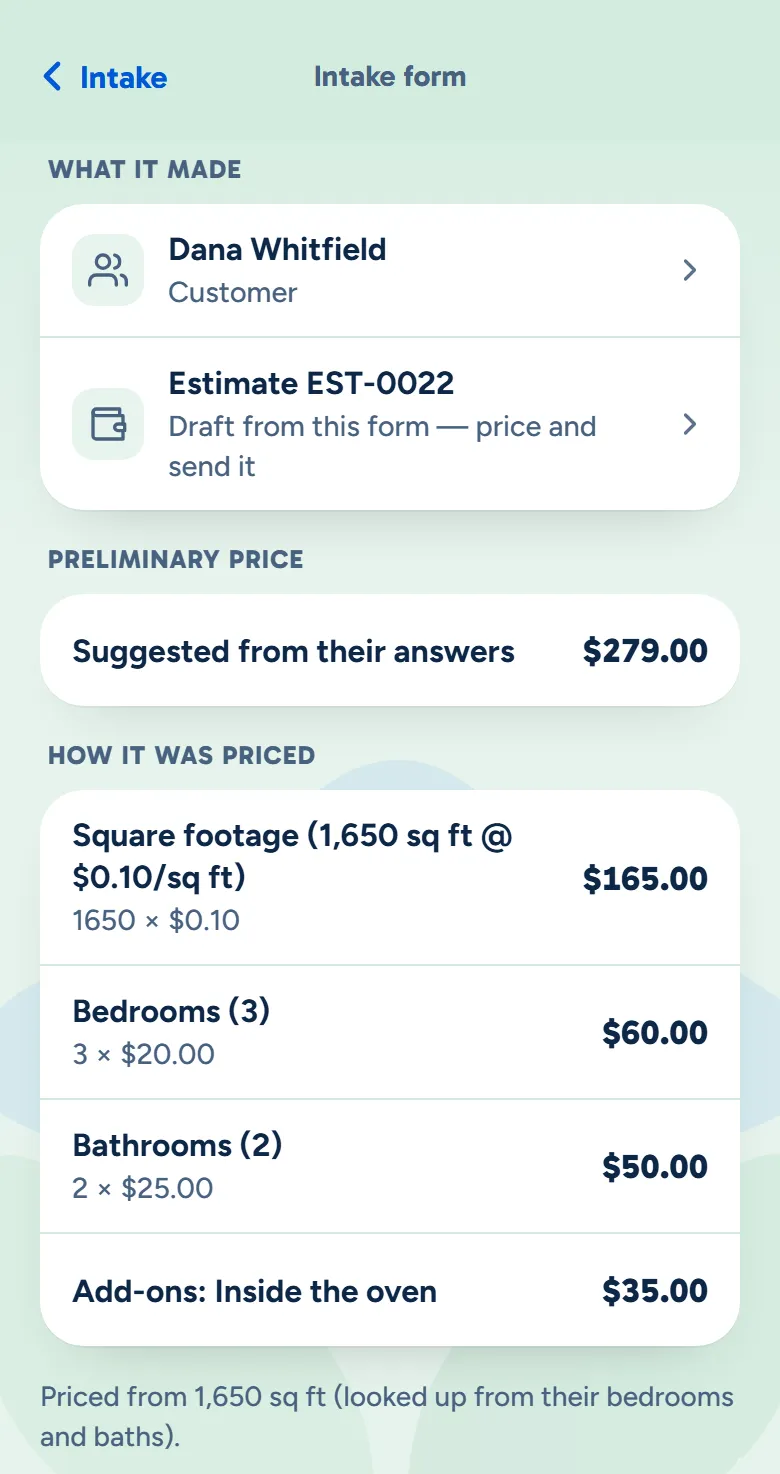
The owner app showing the request's customer record, its draft quote and the suggested price
Example data

You check it

A customer record and a draft quote are waiting for you, on your desk or your phone.

  • A customer record, made for you. New leads are saved as prospects, with their home's details filled in.
  • Already a customer? They're matched by email, so you don't get a second record.
  • Nothing goes out on its own. The quote waits as a draft until you send it.
  • You'll see it come in. It shows under Needs you on the owner app's Home, and the app can send you a notification.

Fifteen designs. Pick the one that feels like yours.

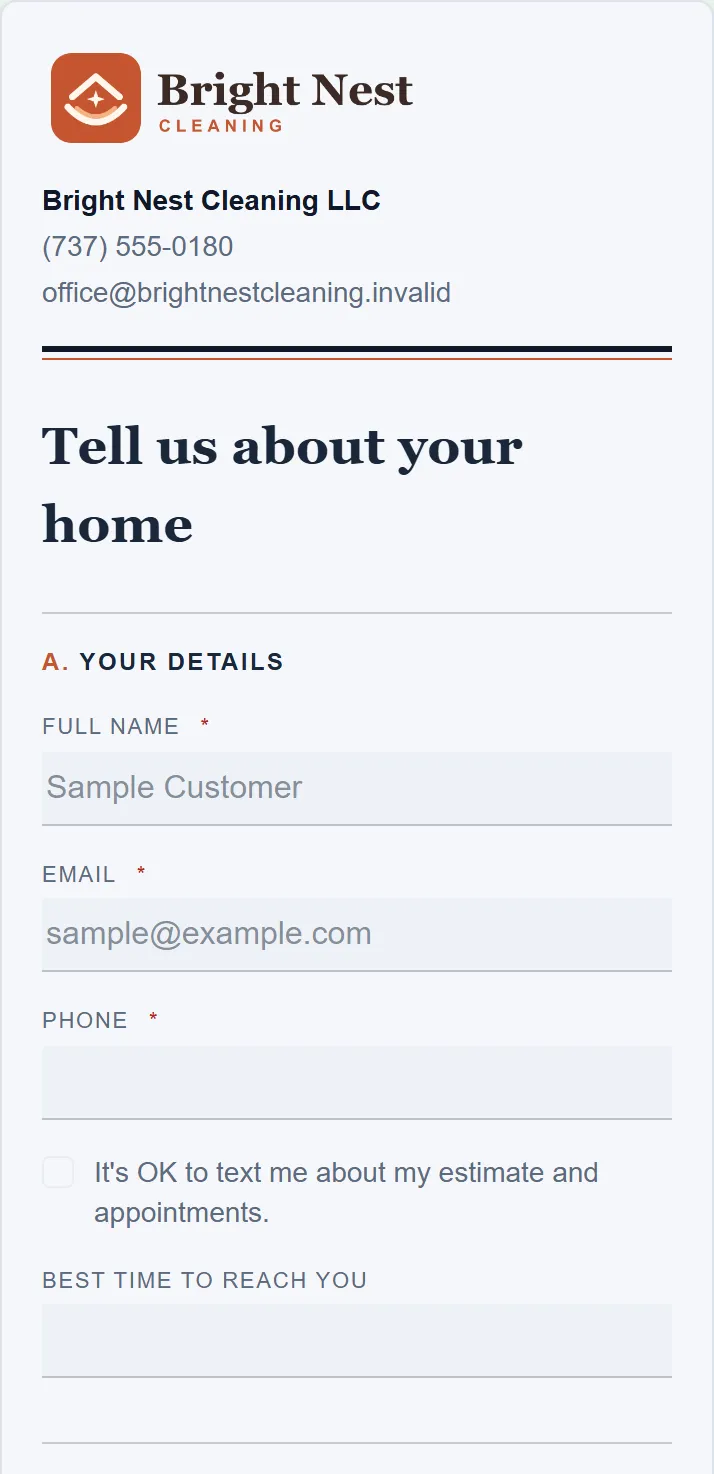
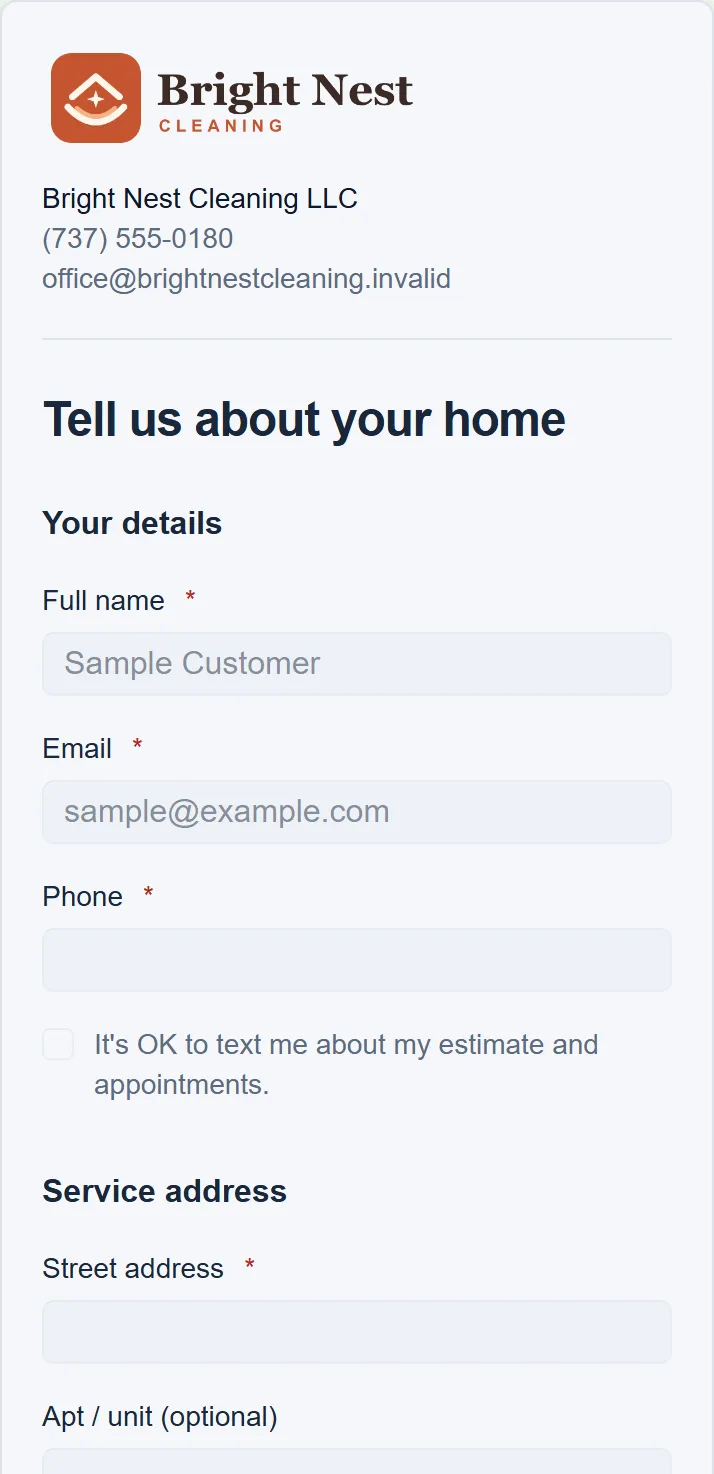
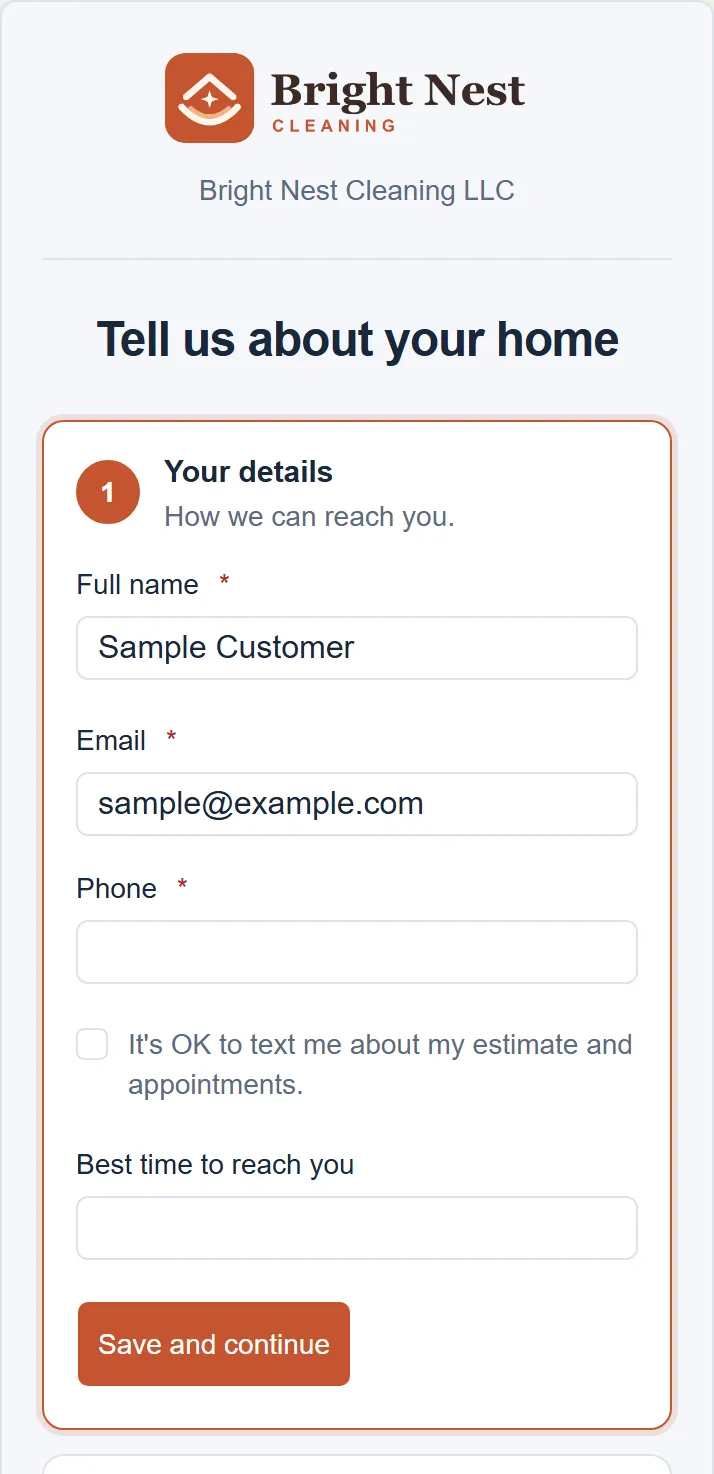
Every design asks your questions and prices them the same way. Only the look changes, so you can switch whenever you like.

Tap to answer

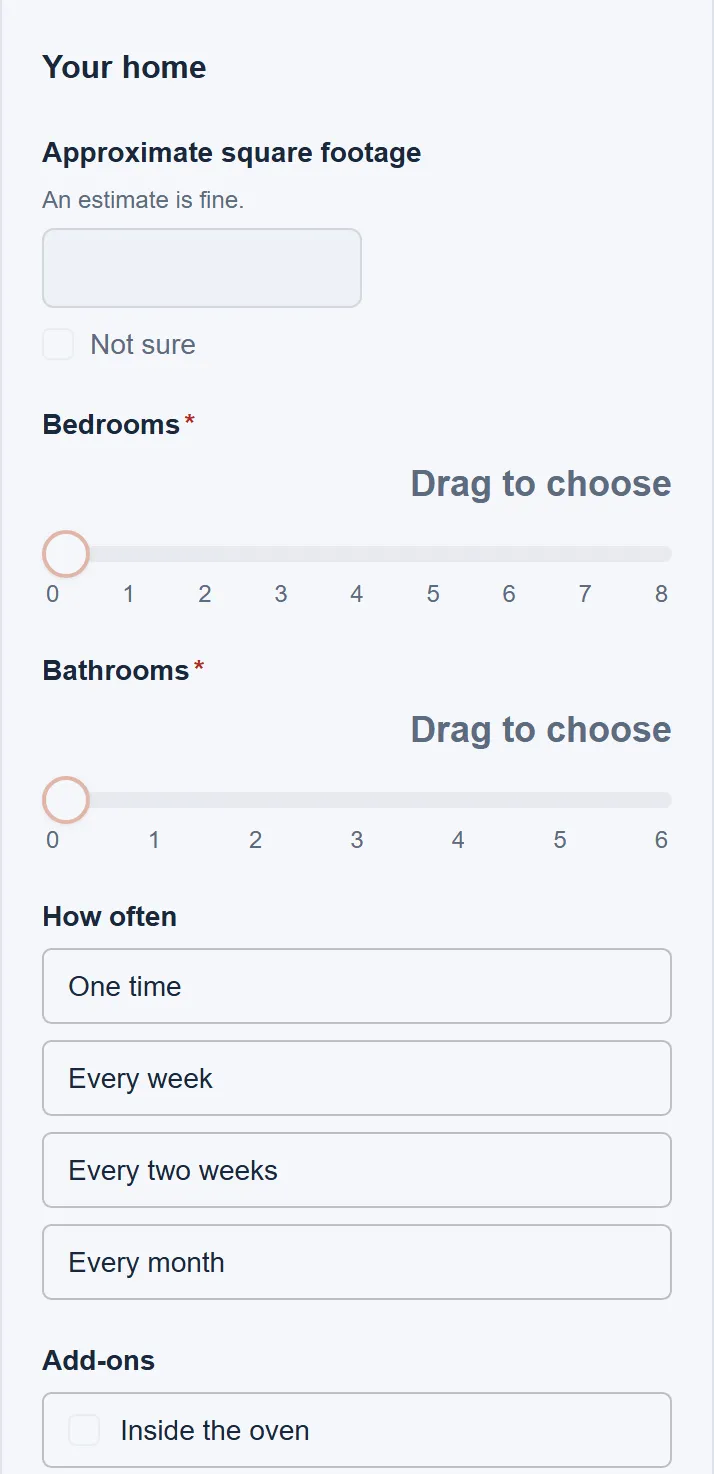
Taps and sliders

Number buttons and choice tiles, so there's little to type.

  • Your brand on every one. Your logo and colours on each, with your own intro and footer.
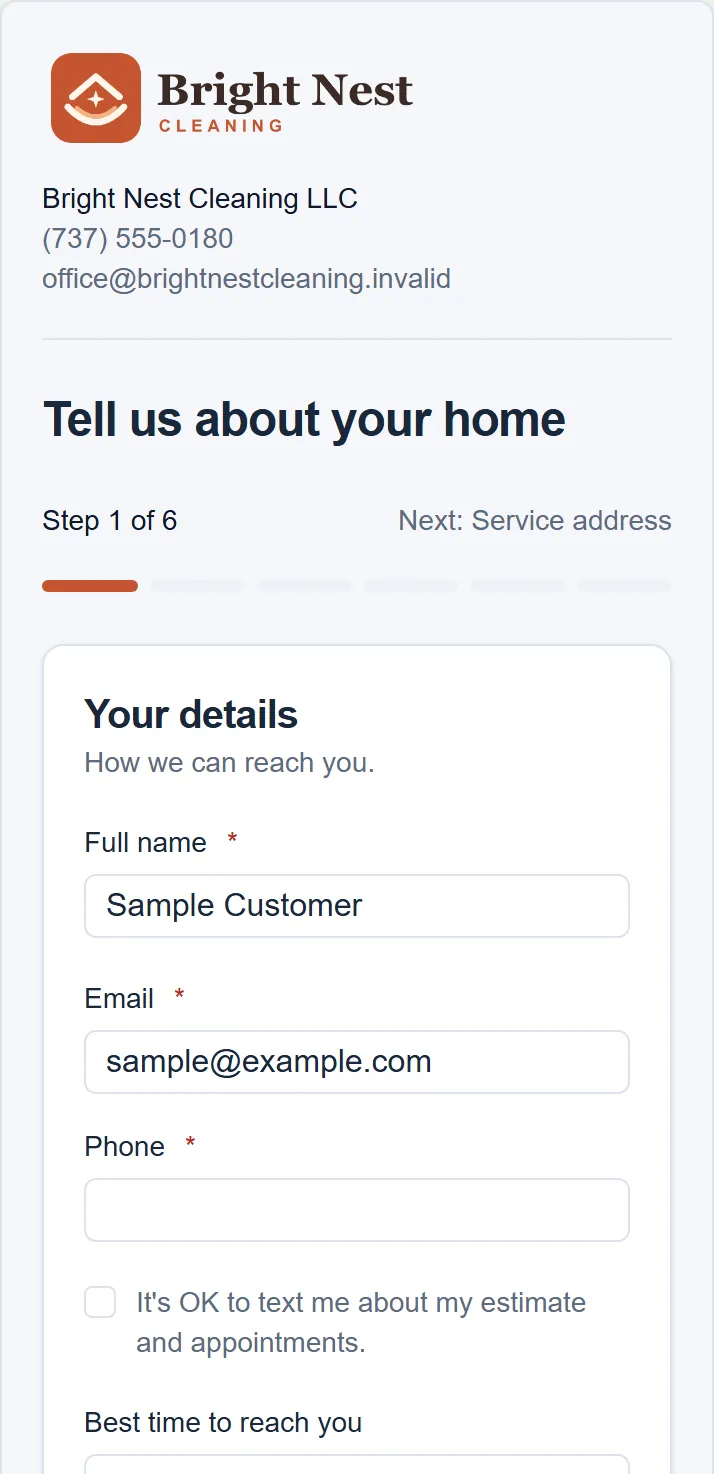
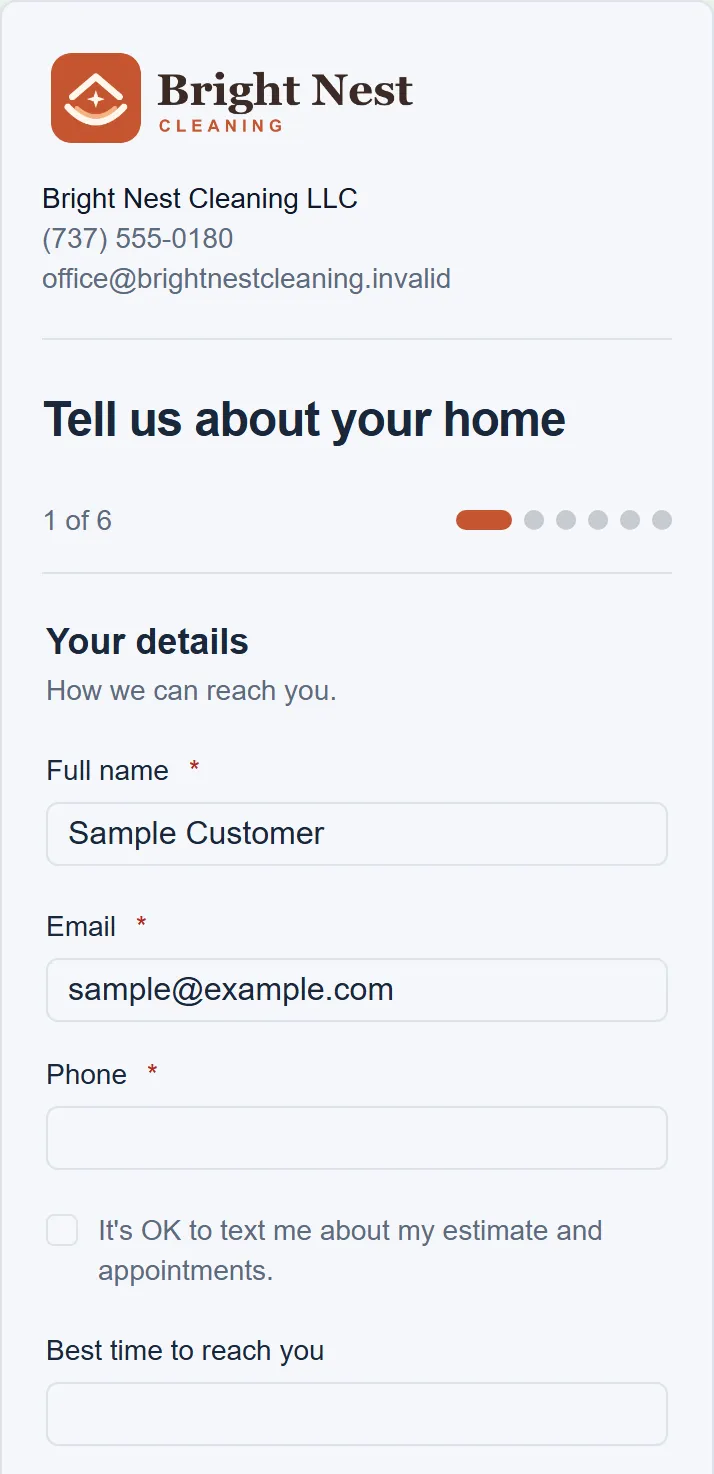
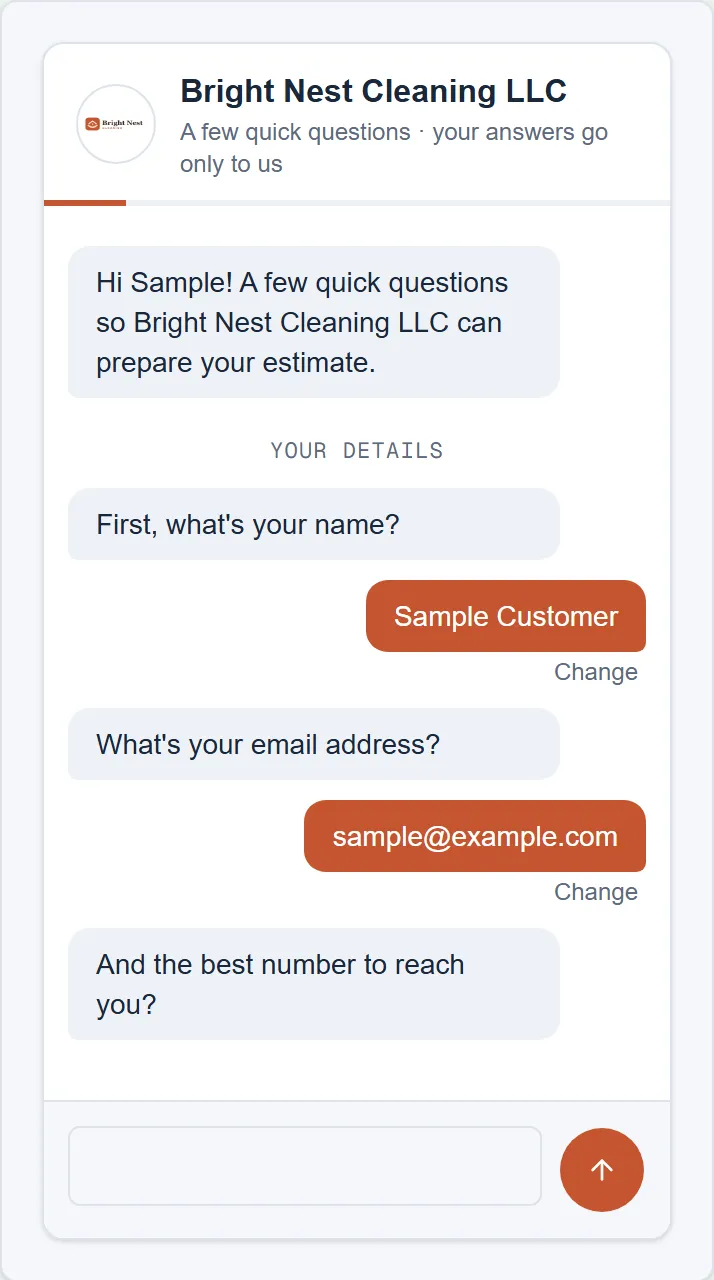
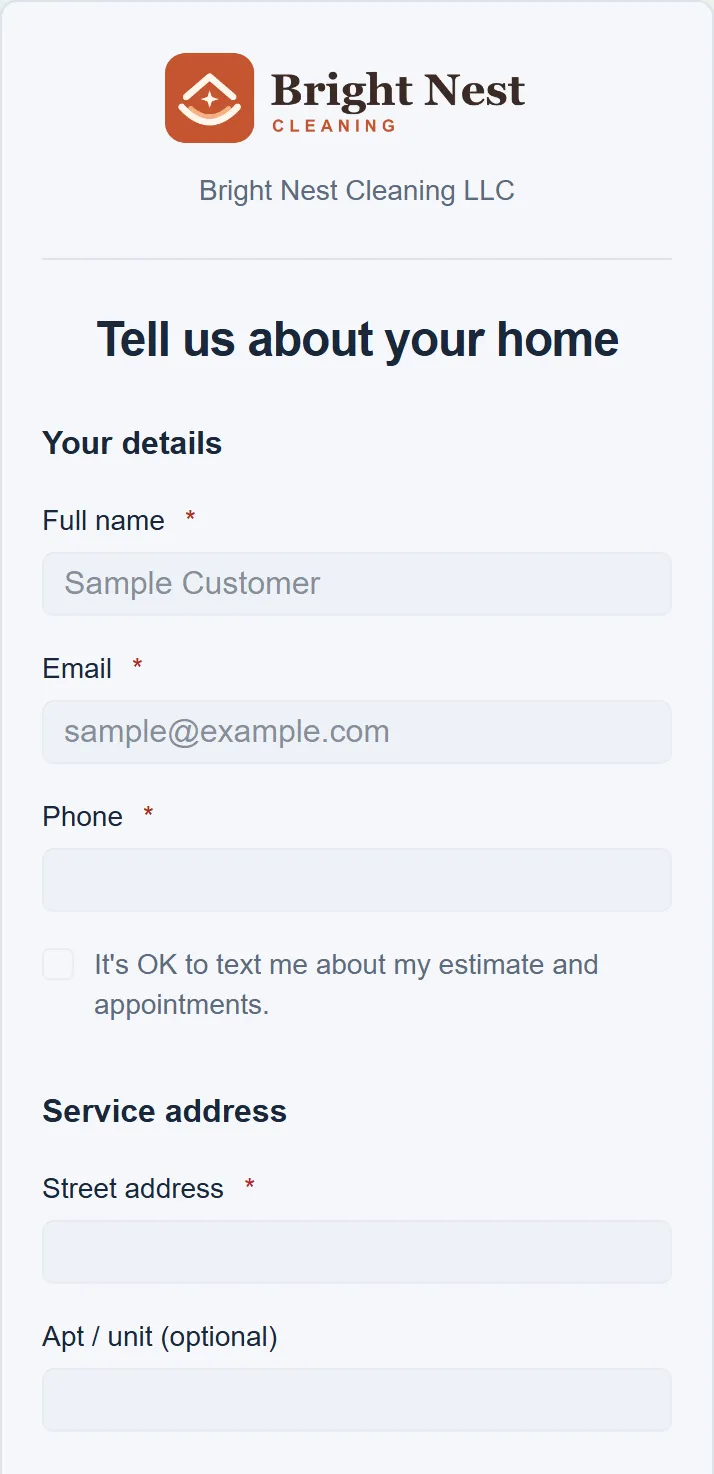
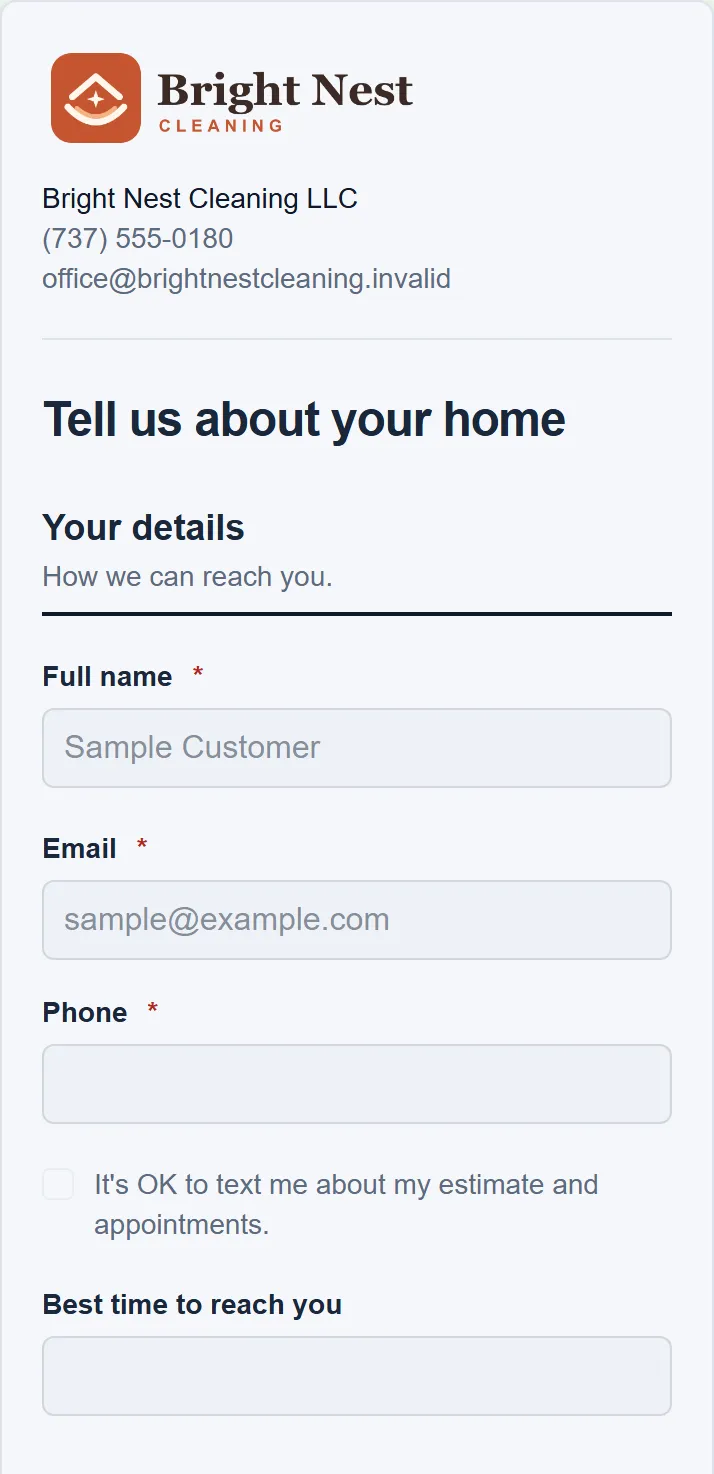
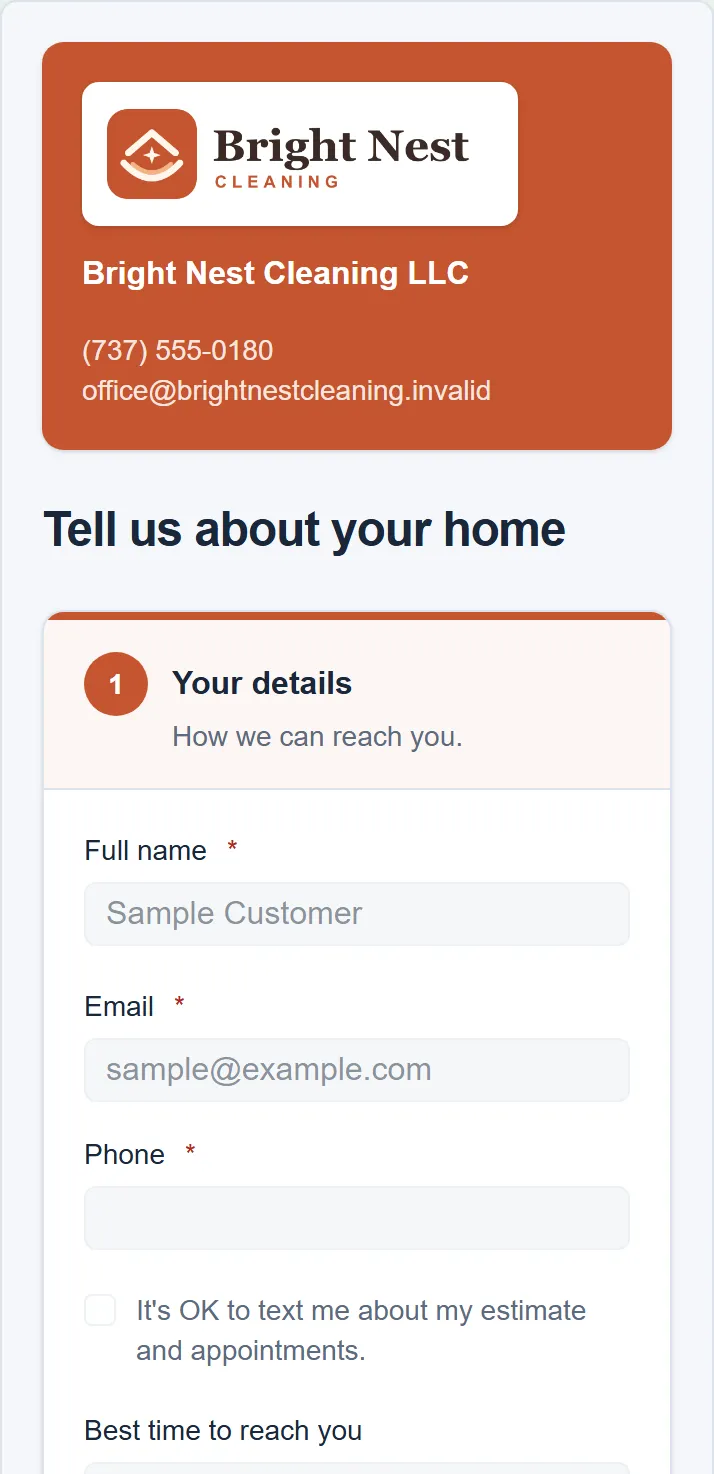
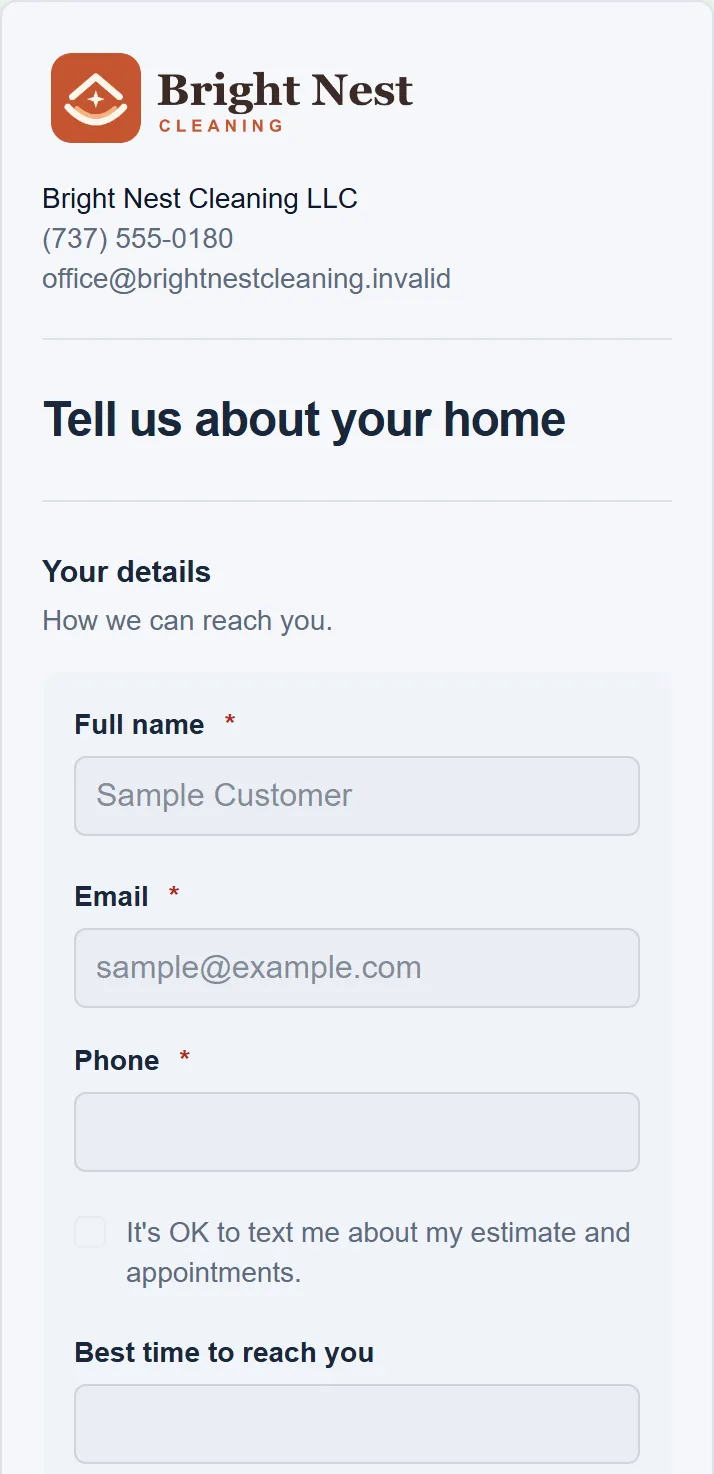
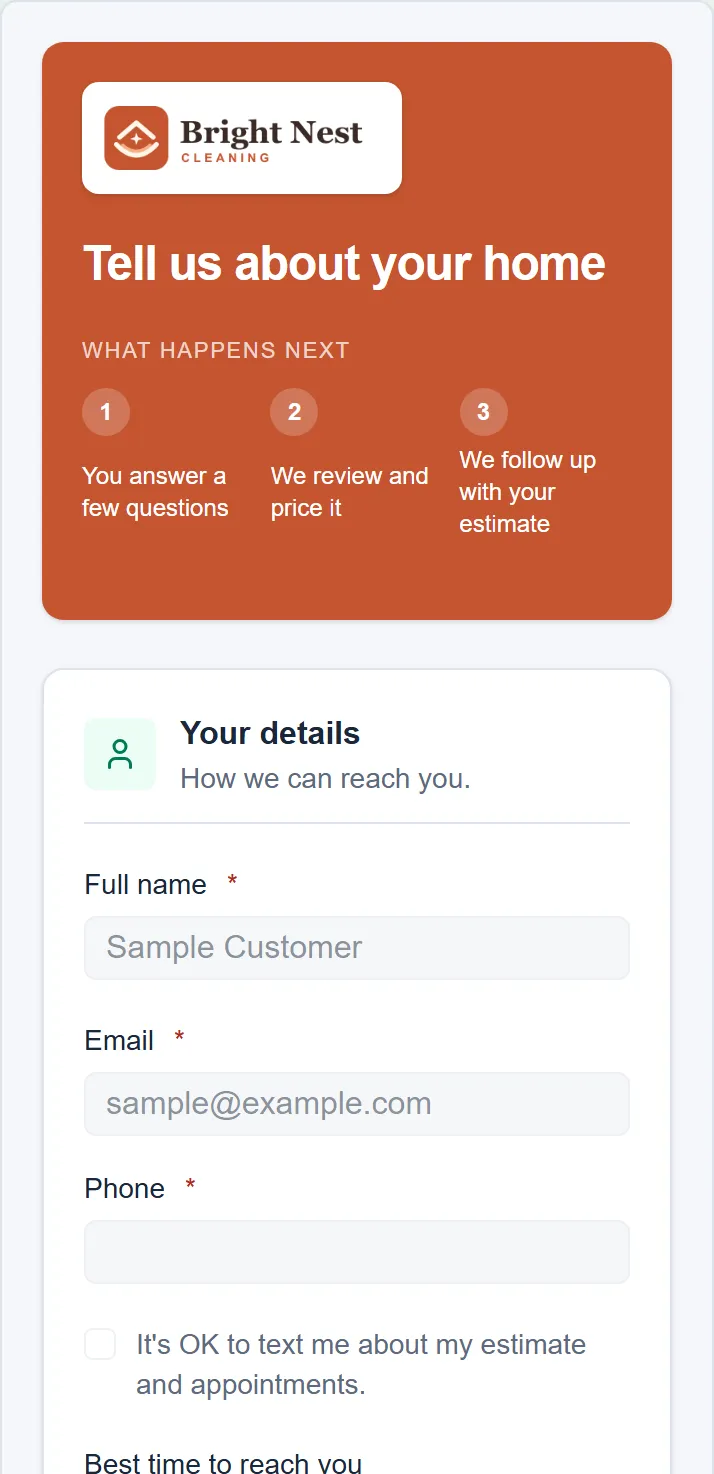
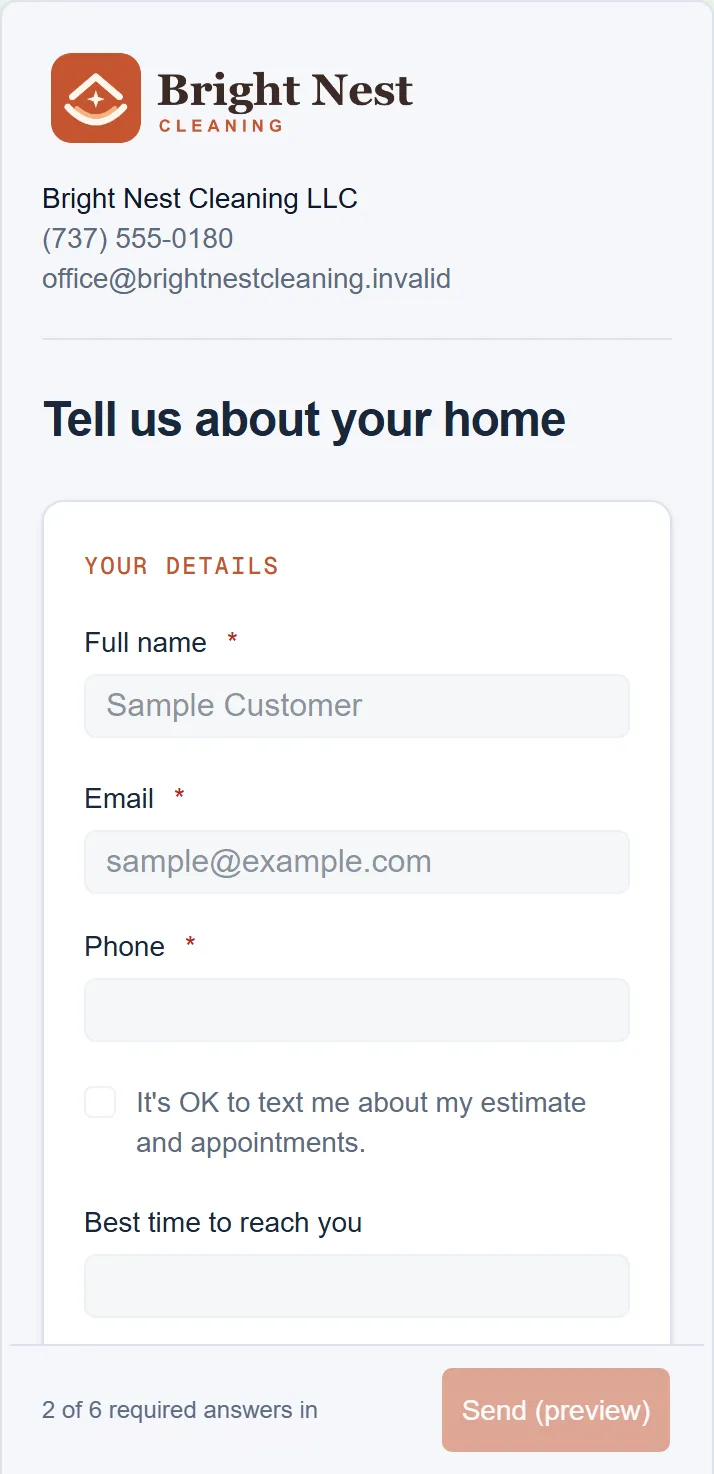
  • Every one works on a phone. These are the real designs at phone width, from the form designer's preview.
Tap to answer design
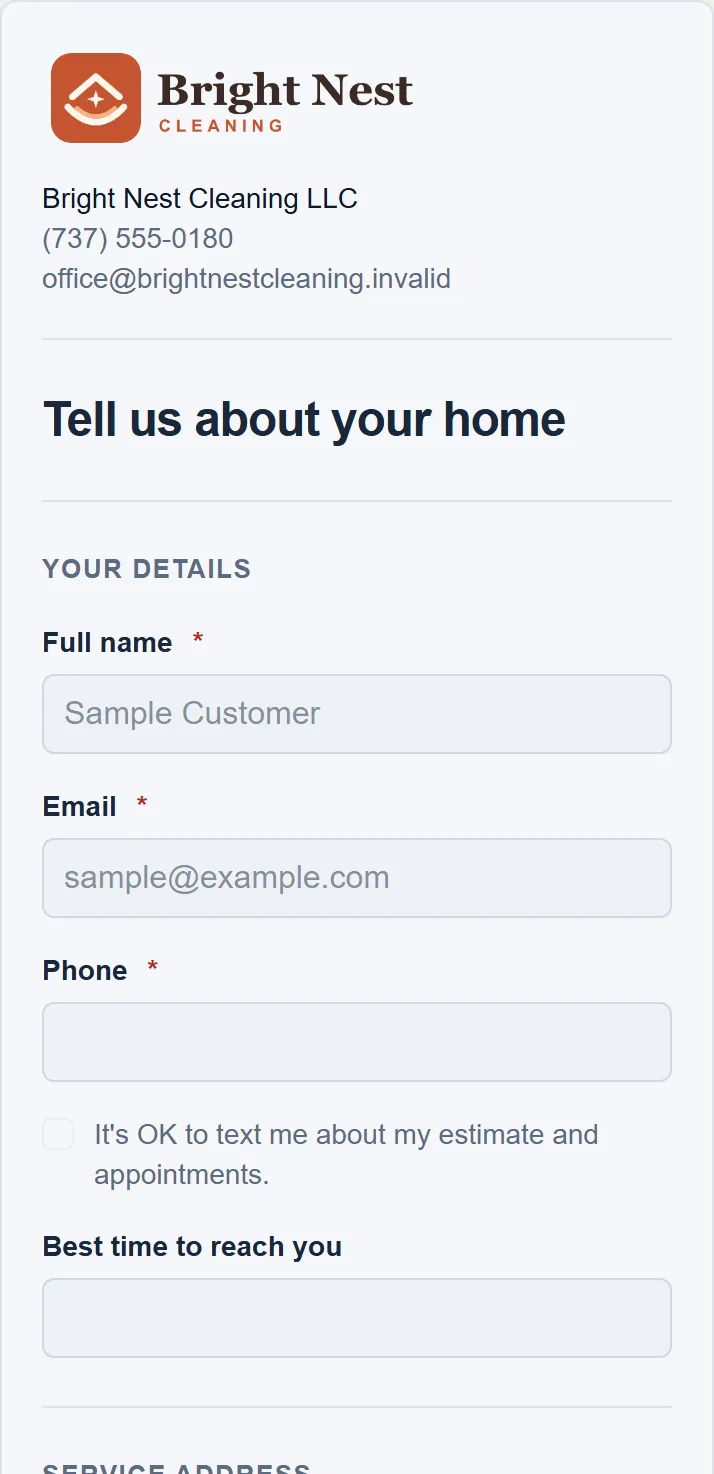
1 of 15
Tap to answer design, from the form designer's preview. Example data.

Every question has a job.

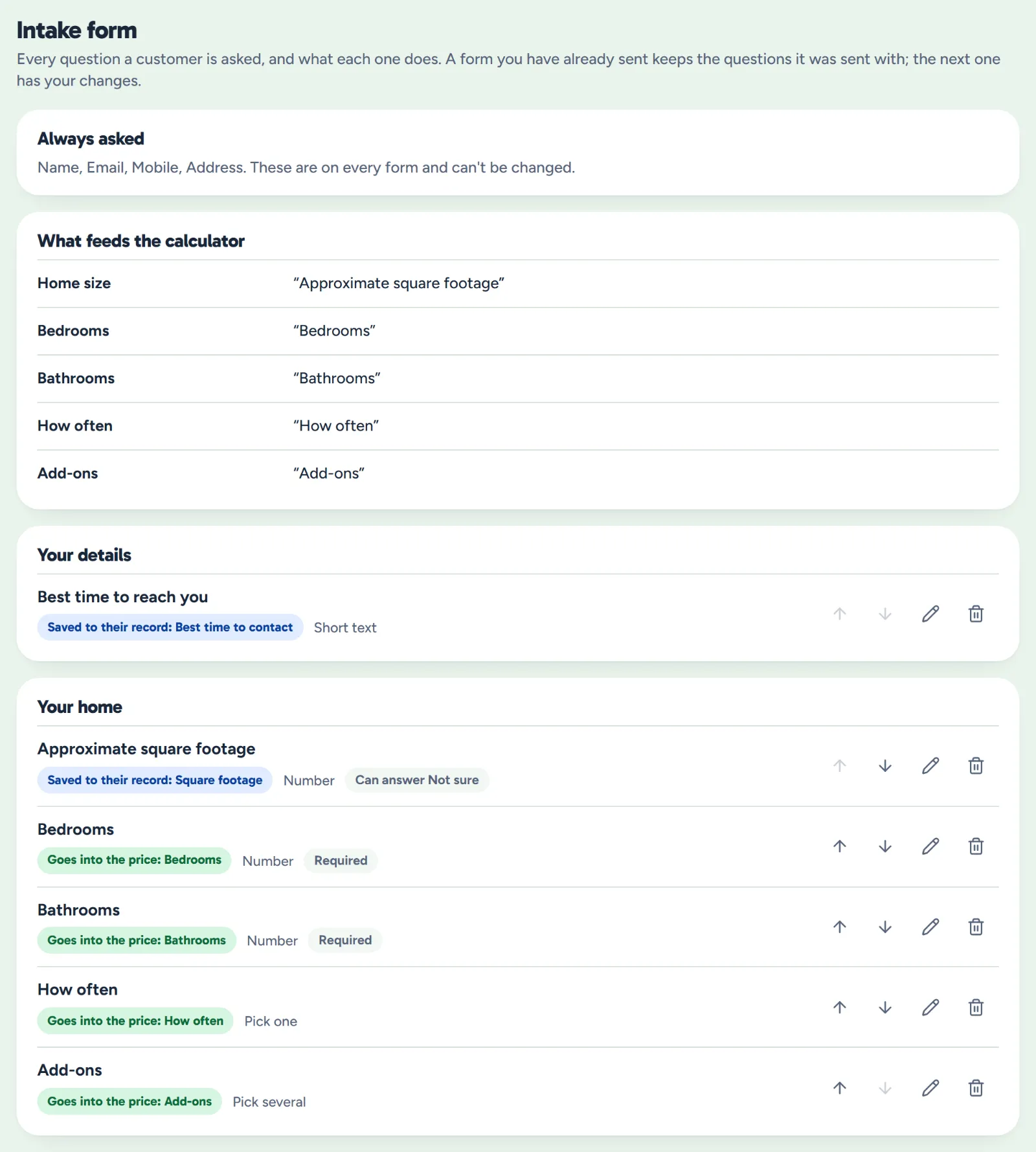
Decide what the form asks and where each answer goes: into the price, onto their record, or just for you to read.

  • Add, remove and reword. Choose which must be answered, and allow Not sure where it helps.
  • Ask only when it applies. A question can wait for an earlier answer, like pet notes after a yes to pets.
  • Forms already sent keep their questions. Question changes go on the next form you send.
Settings, Intake form: the questions always asked, which question feeds each part of the price, and the home questions with what each one does
Example data

What owners ask before they send one.

Can I text it instead?

Yes. Make the link and paste it into your own text, or share it from the owner app. WellKept doesn't send the text for you.

Does it send them a quote by itself?

No. It makes a draft quote for you to check, and nothing goes to them until you send it. They see a price at the end only if you turn that on.

What if they don't know their square footage?

They tick Not sure. If you've filled in your bedrooms-and-baths table, WellKept works the size out from it and marks it as guessed so you check it first.

See it with your questions.

Tell us what you ask a new lead and we'll show you how the form fits.

The owner on her porch swing with a coffee at the end of the day while her two cleaners wave from beside the van