Booked. On the way. Running late. Handled.

WellKept sends the booking confirmation, your cleaner's On my way and a heads-up when they're running late, and only to customers who said yes.

A walkthrough is a call with the people who build WellKept.

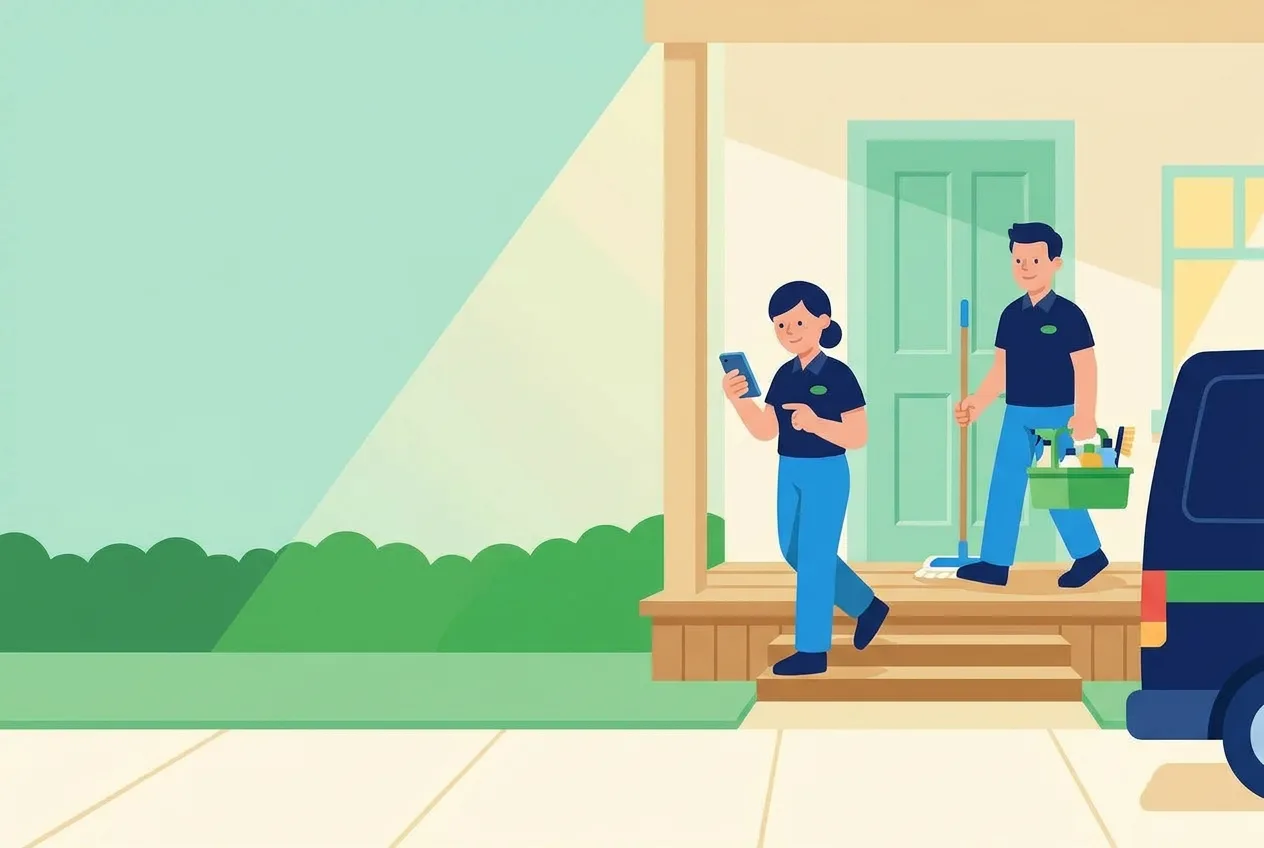
Two cleaners leaving a house they've just cleaned, one tapping her phone as she steps down from the porch while the other follows with the mop and the supply caddy
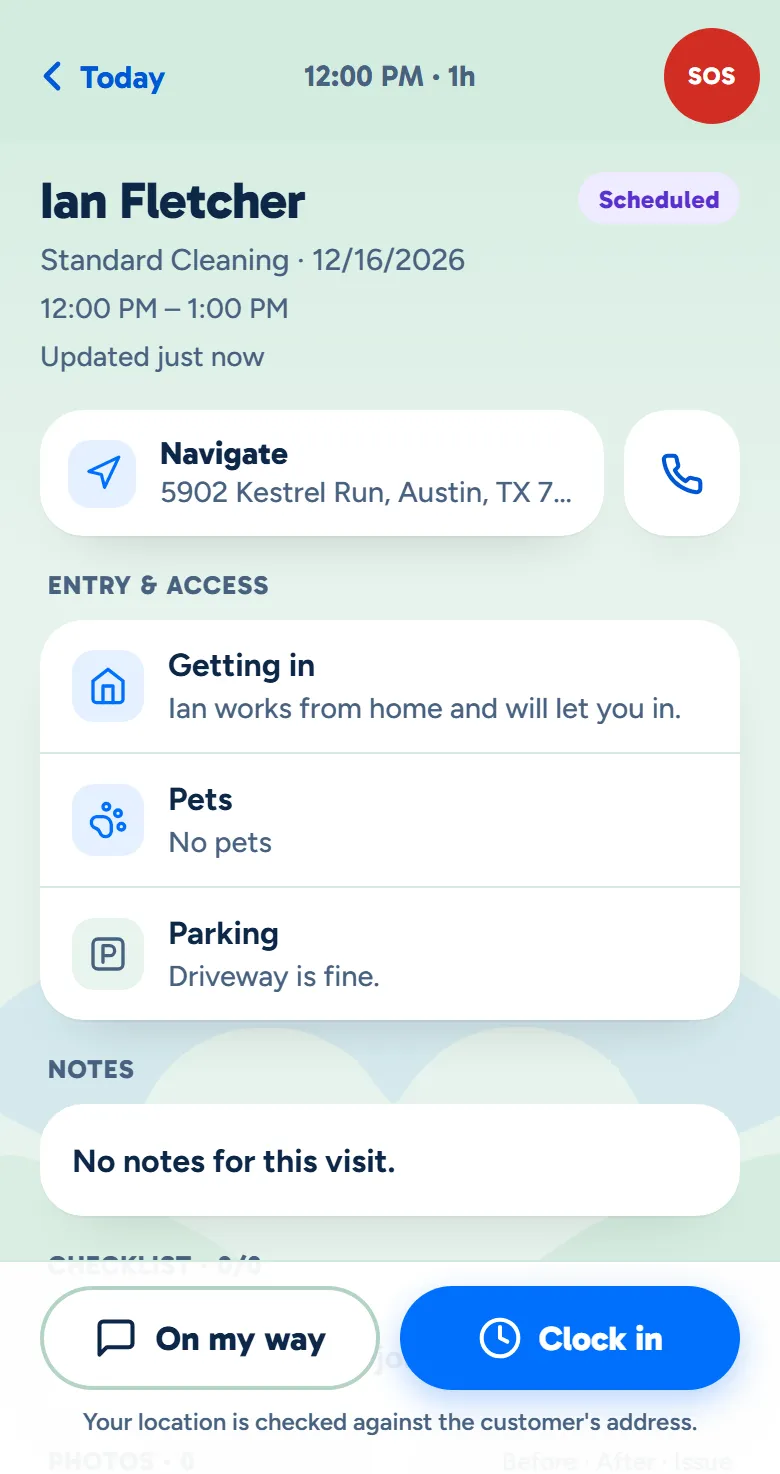
The crew app's screen for a customer's cleaning, with the On my way and Clock in buttons at the bottom
Example data

Follow one customer, text by text.

Here is one customer, from her yes to the record of what was sent. Tap the dots on the screens to see what each part does. The screens are the real product with example data.

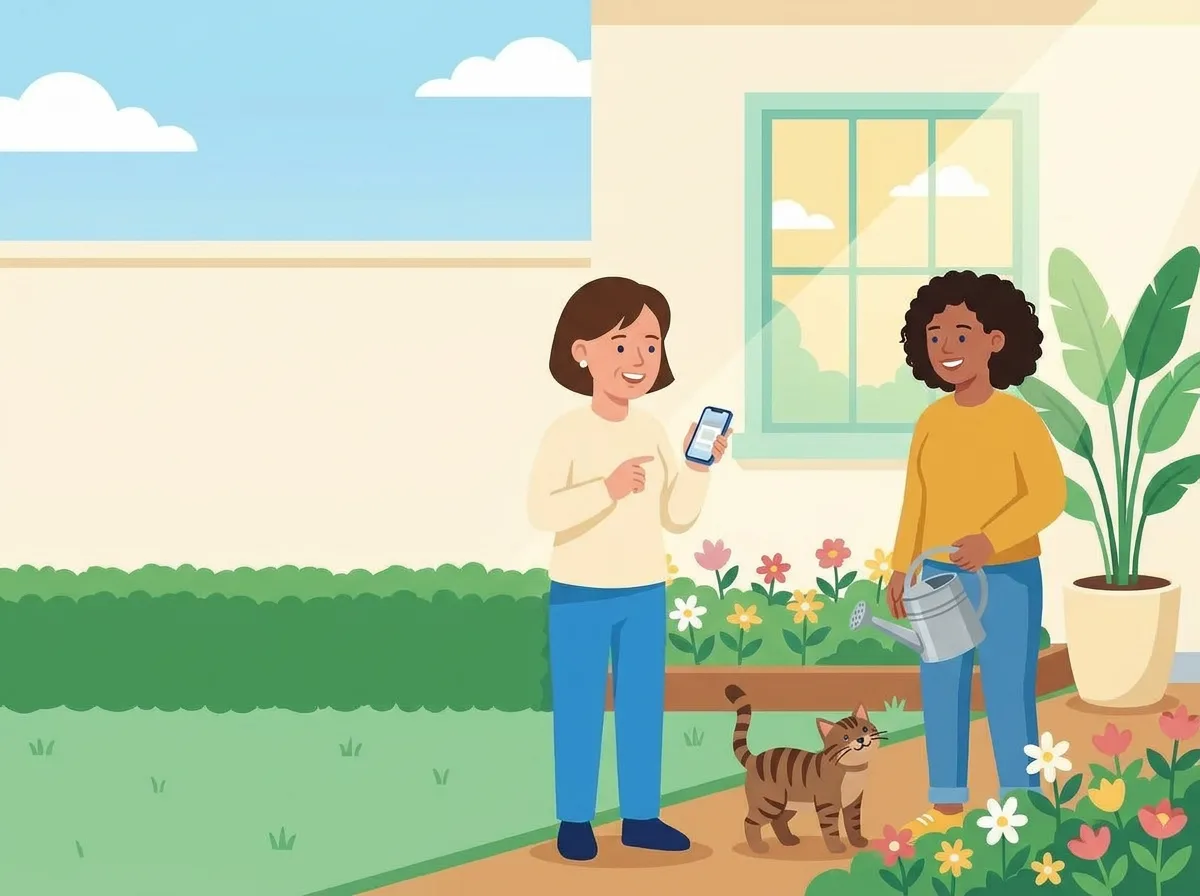
The owner in a customer's front garden with her phone, talking with the customer, who holds a watering can, while the tabby cat looks up from the path
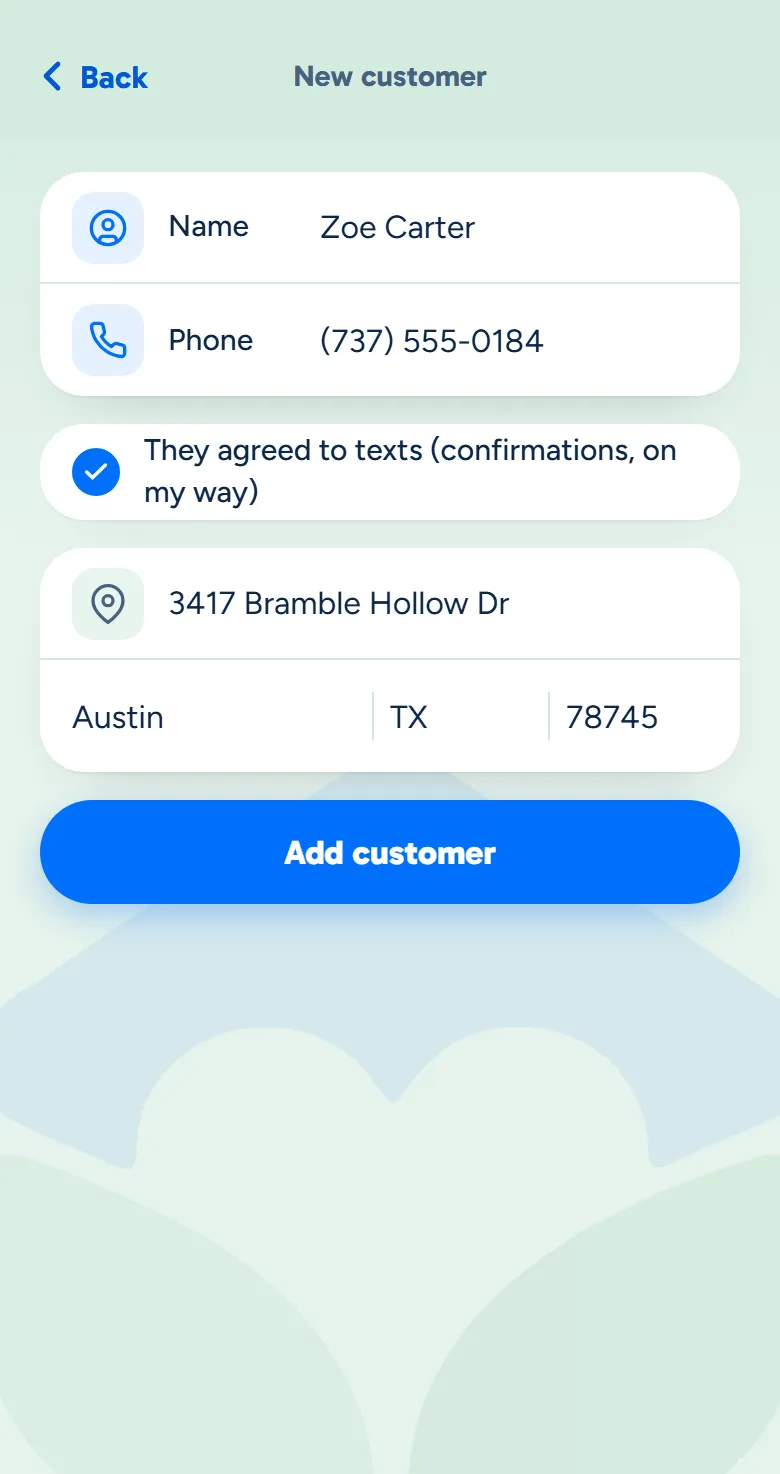
The owner app's New customer screen with a name and phone typed in and They agreed to texts ticked
Example data

They say yes

Add a customer and tick that they agreed to texts. Visit texts go only to customers marked this way.

  • One box on their record. Tick it when they say yes, and untick it if they change their mind.
  • No yes, no visit texts. Their confirmations, On my way and running-late texts are all skipped.
  • Your crew's button follows it. On my way only shows at a cleaning for a customer who said yes.
The owner at her desk, working on her laptop
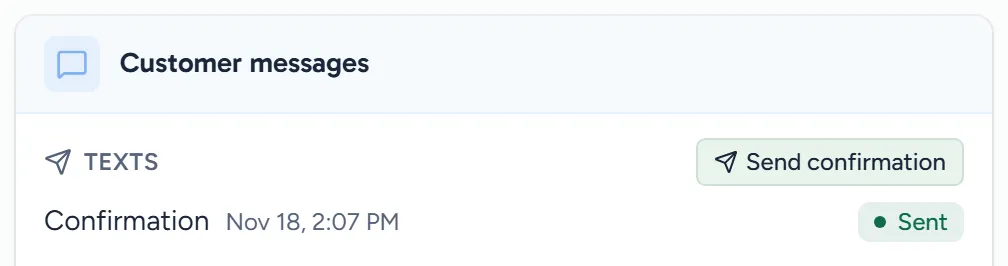
A cleaning's Customer messages: the booking confirmation listed with its time, and a Send confirmation button
Example data

Booked

Confirm the day and time when you book, on its own or with one button.

  • On its own, if you want. Turn on booking confirmations and one goes when you book or move a cleaning.
  • Or with one button. Send confirmation on the cleaning, and again whenever they ask.
  • The time they were given. The day and time come from your schedule in your time zone, or the arrival window if you use one.
  • Listed on the cleaning. Its confirmation, On my way and running-late texts show on it, with the time each was sent.
The owner at her kitchen table with a coffee, checking her phone as two cleaners walk up the path to her open door
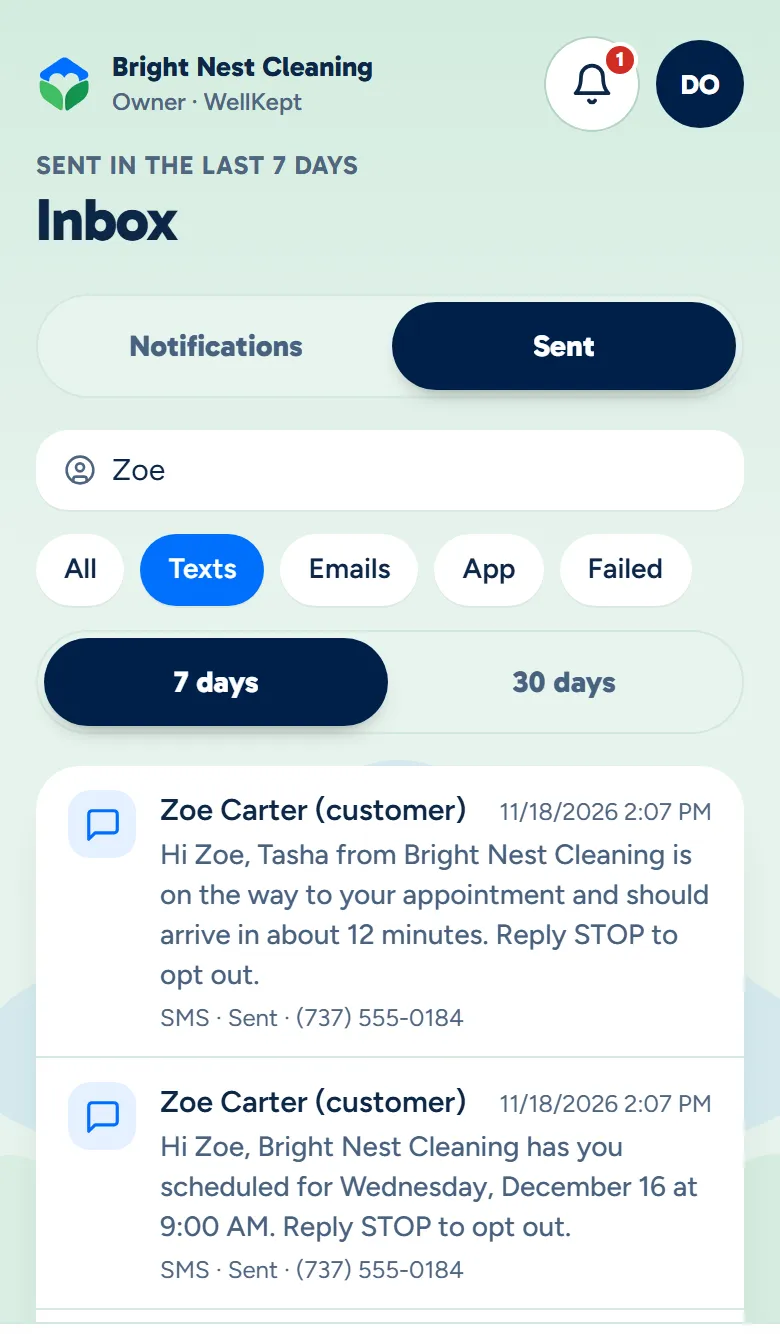
The owner app's Sent list filtered to texts for one customer: her On my way text opened in full, and her booking confirmation
Example data

On the record

Every text your business sends is kept word for word, and the latest ones are on your phone.

  • Word for word. Tap a text to read all of it, with the names and times as they were filled in.
  • Find one fast. Search by customer, number or any word in the latest messages.
  • Office and crew together. Confirmations from the schedule and your crew's On my way taps sit in one list.

Standard wording, filled in every time.

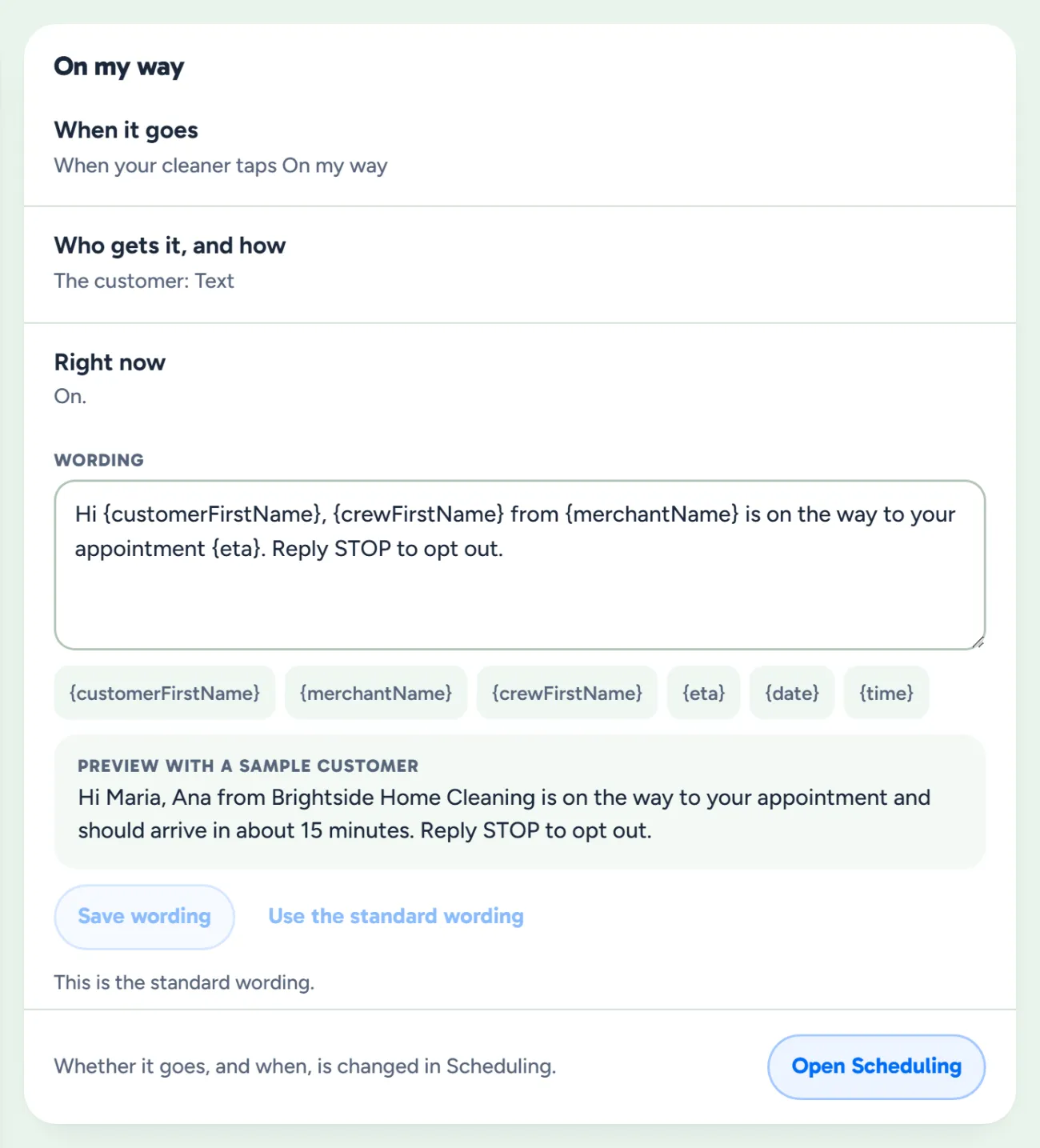
The booking confirmation, On my way and running-late texts go out in WellKept's standard wording. Fill-ins put in the customer's first name, your business, the day and time, and the cleaner when each text is sent. You can already write your own in Settings; sending it in your words is coming.

  • No stray brackets. A fill-in WellKept doesn't know is left out when the text is sent, so a {typo} never goes out.
  • You decide what waits for you. Confirmations can go as you book, while running-late and new-cleaner texts can wait for your yes.
  • The standard is always there. Clear your wording and save to put it back, and from then on it follows WellKept's own.
The On my way text's settings: when it goes, who it is sent to, that it is on, and its wording with fill-ins
Example data

What owners ask before the first text.

Can a customer text back?

No. Texts go one way today, and replies don't come into WellKept. A customer who wants you still calls or texts you the way they do now.

Does my crew text from their own phone?

No. They tap On my way in the WellKept app and the text goes from WellKept with their first name in it. Their own number stays out of it, and the text is kept with the rest.

Who are a cleaning's texts sent to?

Customers you've marked as agreeing to texts, at the number on their record. Anyone else is skipped, and your crew sees no On my way button at their cleaning.

See it with your own texts.

Tell us what you text your customers today, and we'll show you how it fits.

The owner on her porch swing with a coffee at the end of the day while her two cleaners wave from beside the van